
A spine map for "where does it hurt?"
Tap a vertebra or pick one of eight common concerns to see what is usually behind it, what gets checked, typical care, a visit plan that tapers week by week and when to see a doctor first.
Template
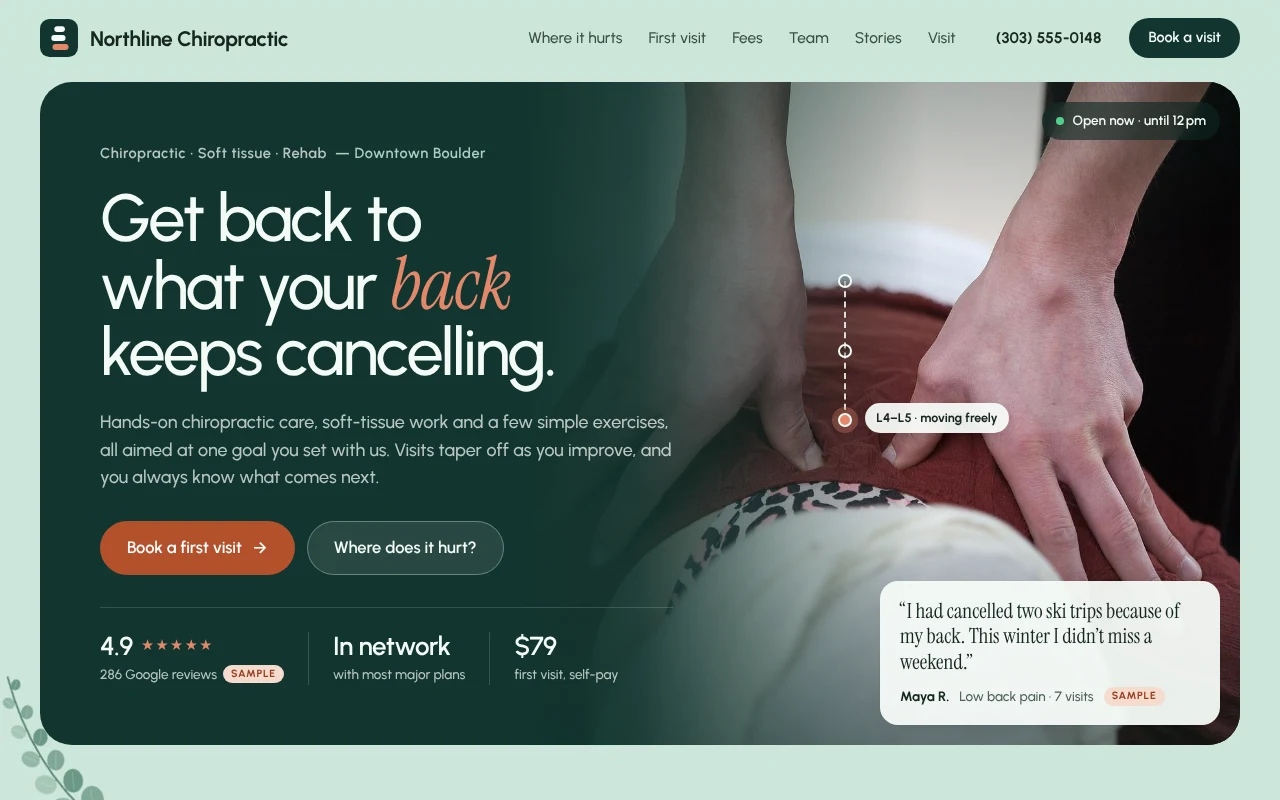
A free chiropractic website template with a clickable spine map, a minute-by-minute first visit, clear fees, a coverage check and a booking request form.
Free to start with a Puter account. Your copy is yours to change, publish or download.
Tap a vertebra or pick one of eight common concerns to see what is usually behind it, what gets checked, typical care, a visit plan that tapers week by week and when to see a doctor first.
A sixty-minute timeline from check-in to first treatment, plus what to bring, so new patients know exactly what to expect.
A price list with visit lengths, and a "How are you paying?" check with answers for self-pay, in-network plans, Medicare, car accident and workers' comp claims.
Six front-desk questions as cards that strike through what people have heard and show what actually happens.
Practitioner cards with focus areas and a "Book with" link, and a carousel of photo stories that say what each patient came in with and got back to.
A request form that buttons across the page prefill, sent to your inbox or a form endpoint, and an open-now status kept in the office's own time zone.
Press Use this template and sign in with Puter. A new project with every file of the Chiropractic Office template opens in the builder.
Tell the builder what you want in plain language: your content, your colors, a new feature. It edits the code and shows the result in a live preview.
Put it on a public address with one click, or download the files and host them anywhere.
It takes booking requests. By default the form opens an email to the practice with every detail filled in, or it can send each request to a form endpoint you set. If you use scheduling software, ask the builder to point the Book buttons at your booking link instead.
Each concern is a short entry in app.js: the part of the spine it covers, what you check, typical care, a visit plan and a see-a-doctor-first note. Describe the change to the builder, for example "add jaw pain", and it edits that list.
No. The practice, team, reviews, rating and insurance answers are samples, and the page labels them that way. Replace them with your own before you publish, then turn the sample labels off.
Copying a template is free with a Puter account, and the copy is yours to keep. Changing it with AI uses your account's free allowance, and when that runs out you can upgrade.
No. Your copy is independent from the moment it is made. Updates to the template never touch it, and nothing you change reaches anyone else.
It opens in the builder in a few seconds. Then make it yours by describing what you want.
Use this template