
A public codebase you can fork
Fork the GitHub repository to customize the builder or contribute changes. Released under Apache 2.0.
Open source AI app builder
Puter AI Builder is open source. Build online, self-host it, or fork the code to make it your own.
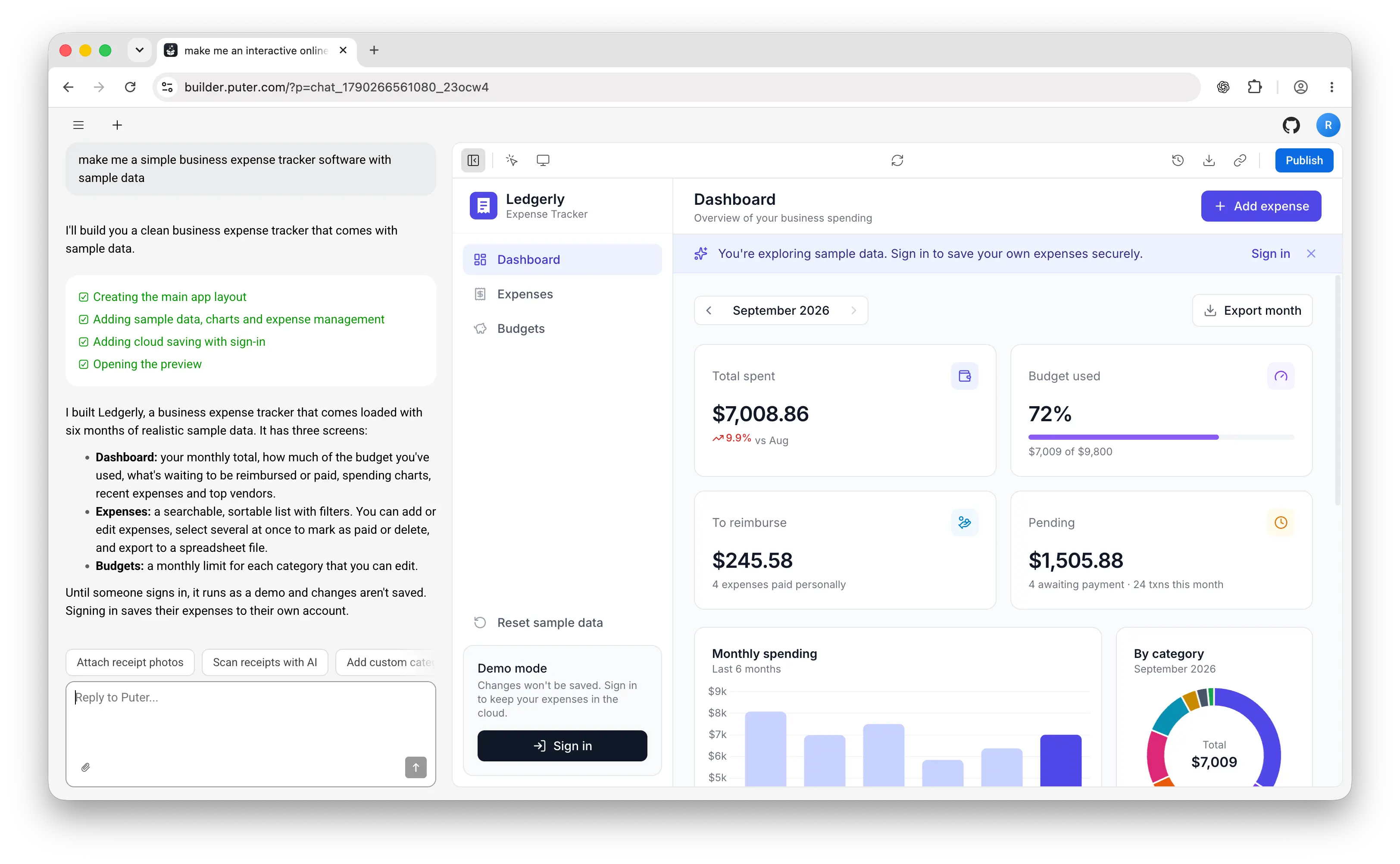
For founders who want a first app, developers who want an editable starting point, and teams who want to adapt the builder itself.
Fork the GitHub repository to customize the builder or contribute changes. Released under Apache 2.0.
Describe your app. The AI writes HTML, CSS, and JavaScript with a live preview and runtime error checks.
Puter.js provides sign-in, storage, a database, AI, and serverless workers. No API keys needed.
Select an element in the preview and describe your changes. Restore a saved version whenever you need.
Download your project as a zip. Edit the code in your own editor or host the frontend elsewhere.
Publish to a public URL on Puter, and connect remote MCP servers to add tools from other services.
You need Git, Node.js, and npm. These are the same setup commands used in the repository README.
git clone https://github.com/HeyPuter/builder downloads the builder source to your computer.
Run cd builder, then npm install inside the project folder.
Run npm run dev and open the localhost URL printed in your terminal.
Use your Puter account for the default AI and cloud services. You can now change the interface and prompts in your copy. See the README for setup and the Puter.js docs for service integration.
The hosted builder runs in a modern browser, including on a phone. Sign in, describe your app, and build with Puter services already connected. This is the quickest route to a first published app.
Clone the repository to develop the interface on your computer. Build the frontend for your own static host with npm run build. The default integration still needs an internet connection and a Puter account; this does not install an offline model or a local backend.
Yes. The builder repository is public and released under Apache License 2.0. You can inspect the source, fork it, and contribute changes.
Yes. You can run the builder locally or host it on your own server. By default, it connects to Puter for AI and cloud services. Puter provides access to AI models at cost, with no markup and no need to bring your own key (BYOK). You only need a Puter account.
Yes. Puter itself is open source and can run on your own server or locally on your computer. Configure your self-hosted builder to connect to your own Puter instance, and you can manage the backend, accounts, data, and AI providers yourself.
The Puter self-hosting guide explains the setup, including where to add your own provider API keys.
Yes. With your own Puter instance, you can add your provider API keys and configure the builder to use the models you choose. Self-hosted Puter also supports Ollama, so you can run models on your own computer and configure the builder to use them.
To use local models, point the builder at your local Puter instance and update its configured AI models to your Ollama models.
The source is free to download, and the hosted builder is free to start with a Puter account. Puter provides AI at cost, with no markup. Usage counts toward your account's free allowance, and you can upgrade when you need more. You do not need to supply your own model API keys.
Published apps use the user-pays model: each user's Puter account covers the resources they consume. If you self-host Puter, you manage your own hosting and any provider API charges; local models run on your own hardware.
Your generated project files are yours to download and edit. Export the zip to keep developing in your own editor or host the frontend elsewhere. Puter.js calls continue to use Puter, and serverless workers run there; moving those parts to a different backend requires integration changes.
Yes. The builder is available under Apache 2.0, which permits commercial use under its terms. Read the license and third-party notices when redistributing a fork. Services your app connects to have their own terms and usage limits.
Run the builder, Puter, and Ollama locally to keep your data on your own device. Connect the builder to your local Puter instance and configure it to use your Ollama models for AI.
Start free in the browser. Export the project, inspect the source, or fork the builder when you want to go further.
Start building free