
Start with the kind of app you need
Puter, Lovable, Replit, v0, Bolt, and Base44 start with a description and generate an app you can preview and refine. Bubble adds a deep visual editor for shaping workflows after an AI-assisted start. Glide starts from business data, often a spreadsheet, and turns it into a practical tool for a team.
For any builder, try the same small project before deciding: create a form, save a record, reload the app, edit an existing record, and publish it. That five-step test reveals more about the result than a polished homepage does. The screenshots below show each product's public site, captured in September 2026. Interfaces may change.
Puter AI Builder
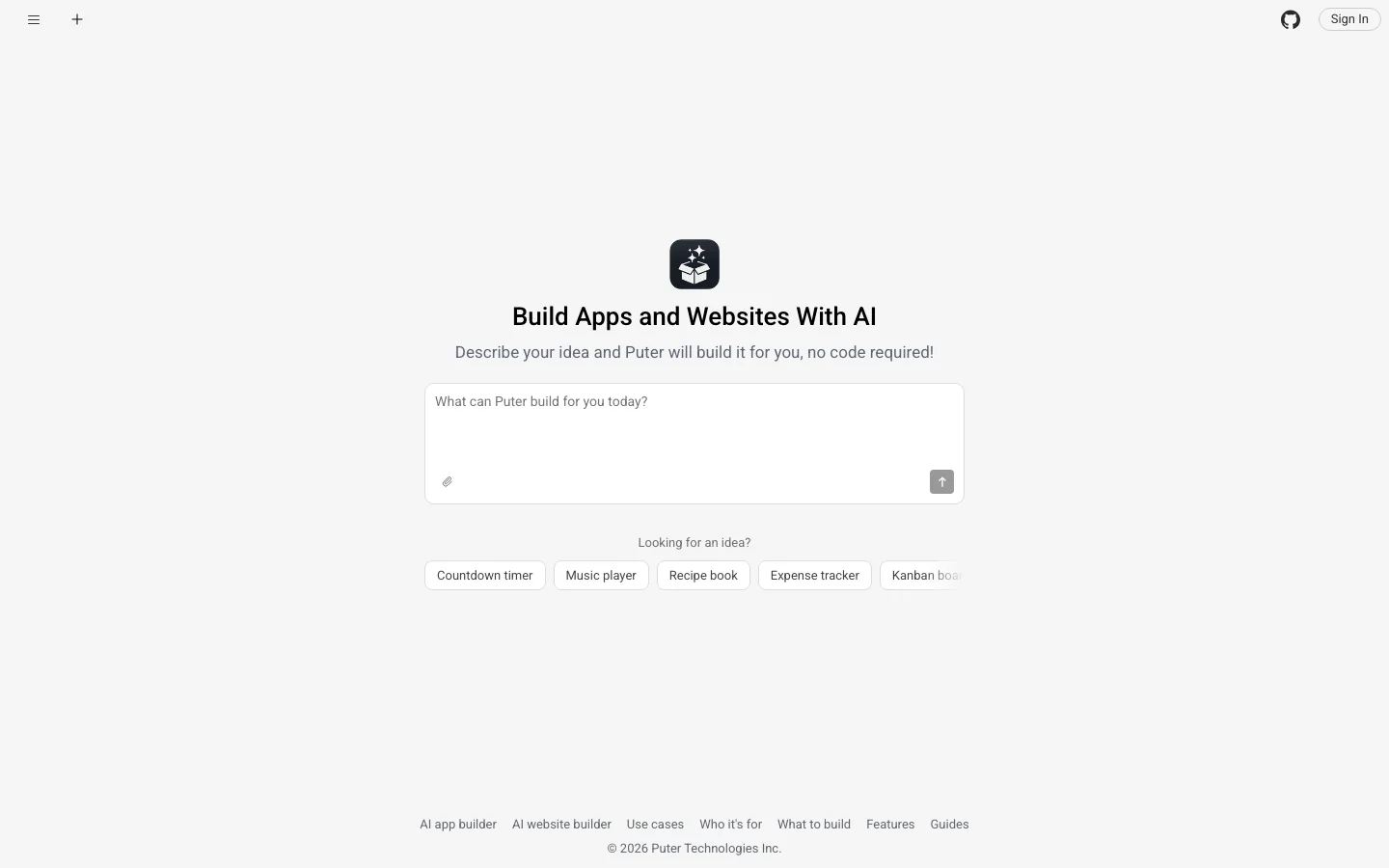
Best for Building and publishing a web app with a backend already available.
Describe the app you want and Puter AI Builder creates a working web app in the browser. You can use a live preview, point at an element to request a precise change, and return to an earlier version if an edit goes the wrong way. After each change, the builder loads the app and checks for runtime errors before handing it back.
Apps can use Puter accounts, storage, AI models, and serverless workers without setting up a separate backend. Publishing puts the app on a public address, and you can download the project as ordinary web files to keep editing or host elsewhere. See the full feature list for what is available today.
Lovable
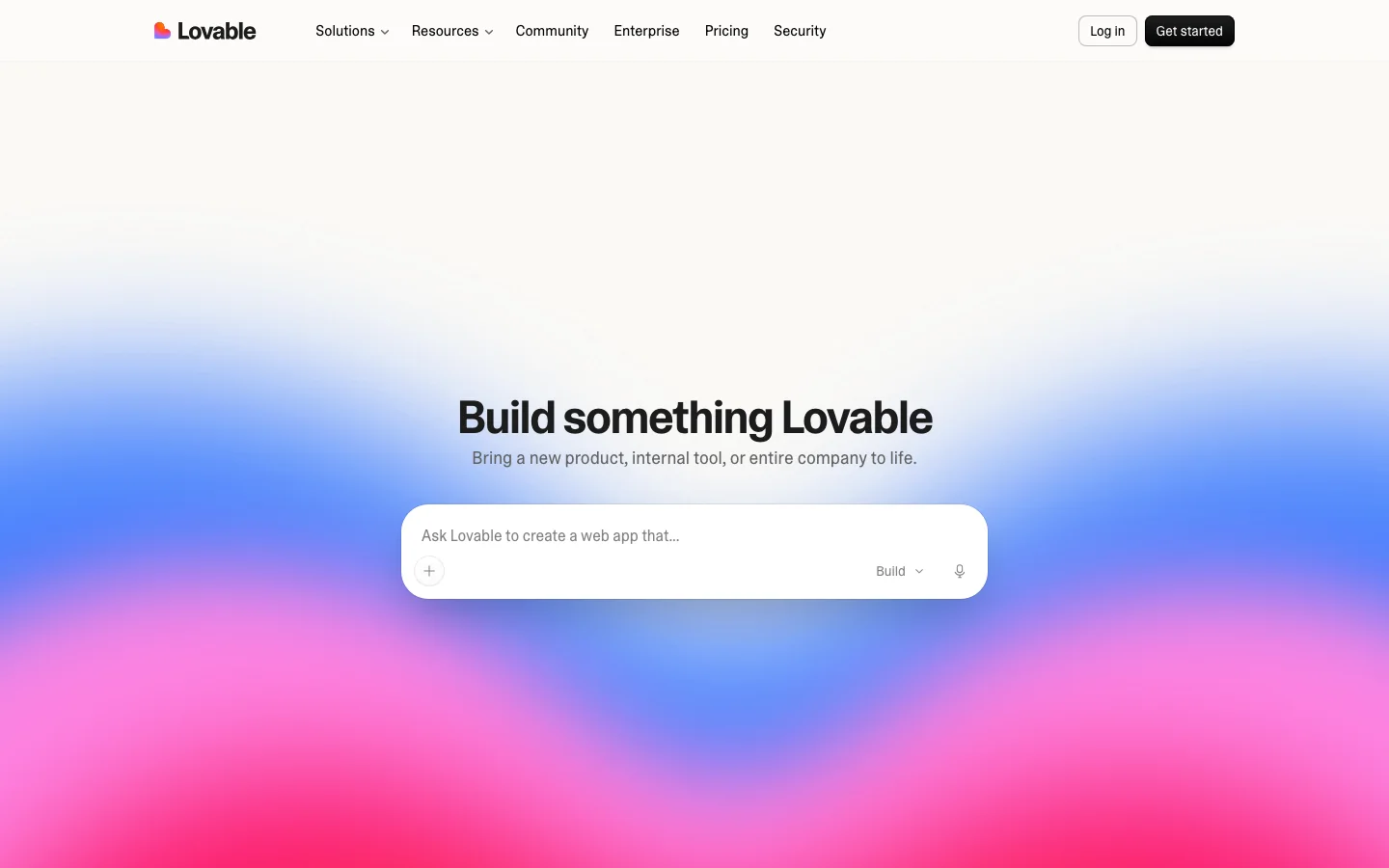
Best for A prompt-first product or customer-facing web app that you expect to keep refining.
Lovable turns a prompt into app screens, data, logic, authentication, and hosting. You can keep shaping the result through chat, visual changes, and direct code edits. Its app builder overview also describes built-in integrations for services such as payments and email.
It is a good fit when the first version needs to look like a product and the project may later move into a developer workflow. If that handoff matters, inspect the generated code and the services your app depends on before you build too much around them.
Replit Agent
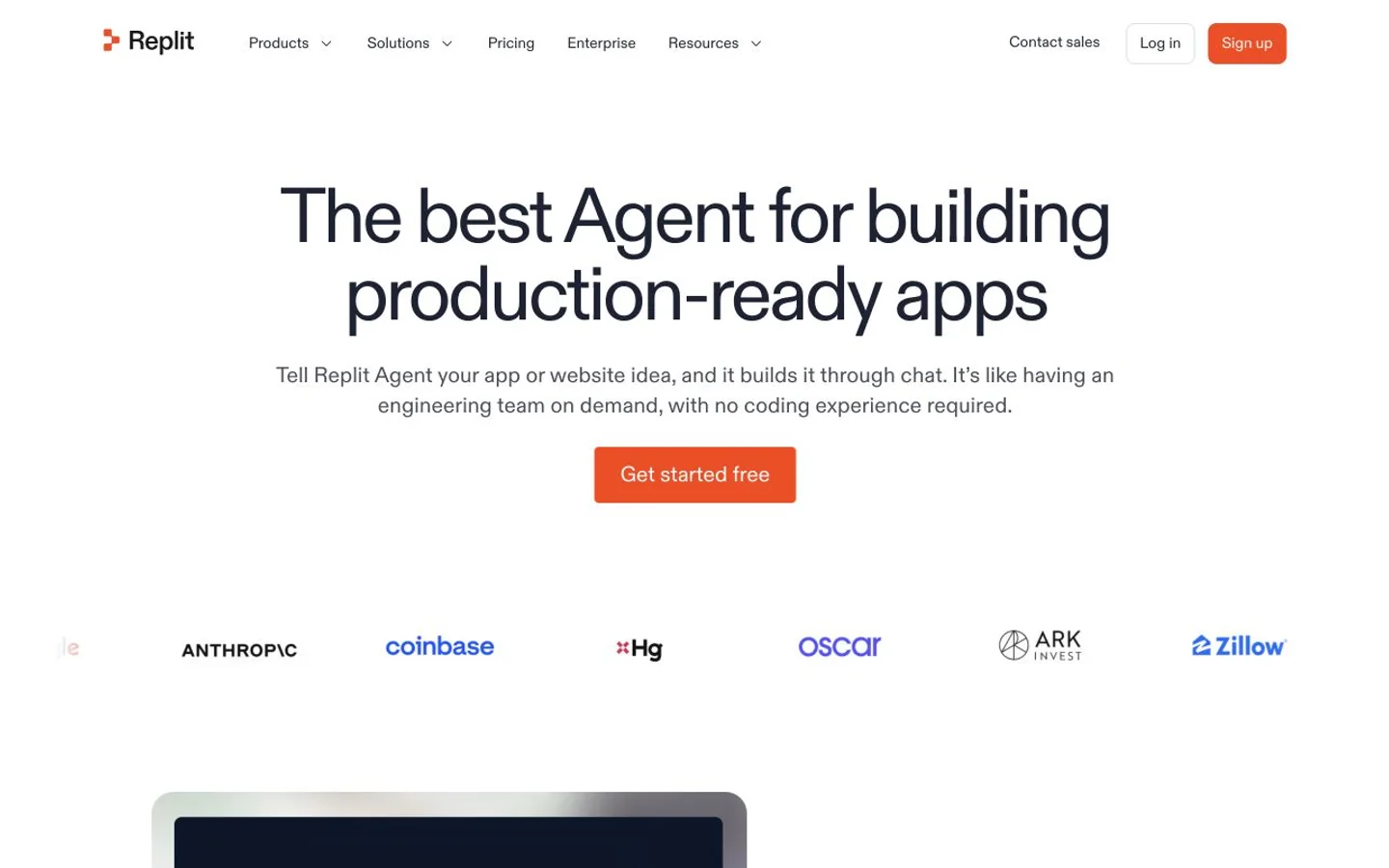
Best for Building with AI while keeping a full cloud development workspace close at hand.
Replit Agent creates and edits apps from conversation inside Replit's cloud workspace. Its Agent overview describes a path from prompt to working app with built-in database, authentication, integrations, and publishing. The code and running preview sit in the same environment.
This is useful if you want to begin without setup but expect to inspect code, adjust the stack, or collaborate with developers later. The broad workspace gives you room to grow, though a larger project still benefits from someone who can review its code and data model.
v0 by Vercel
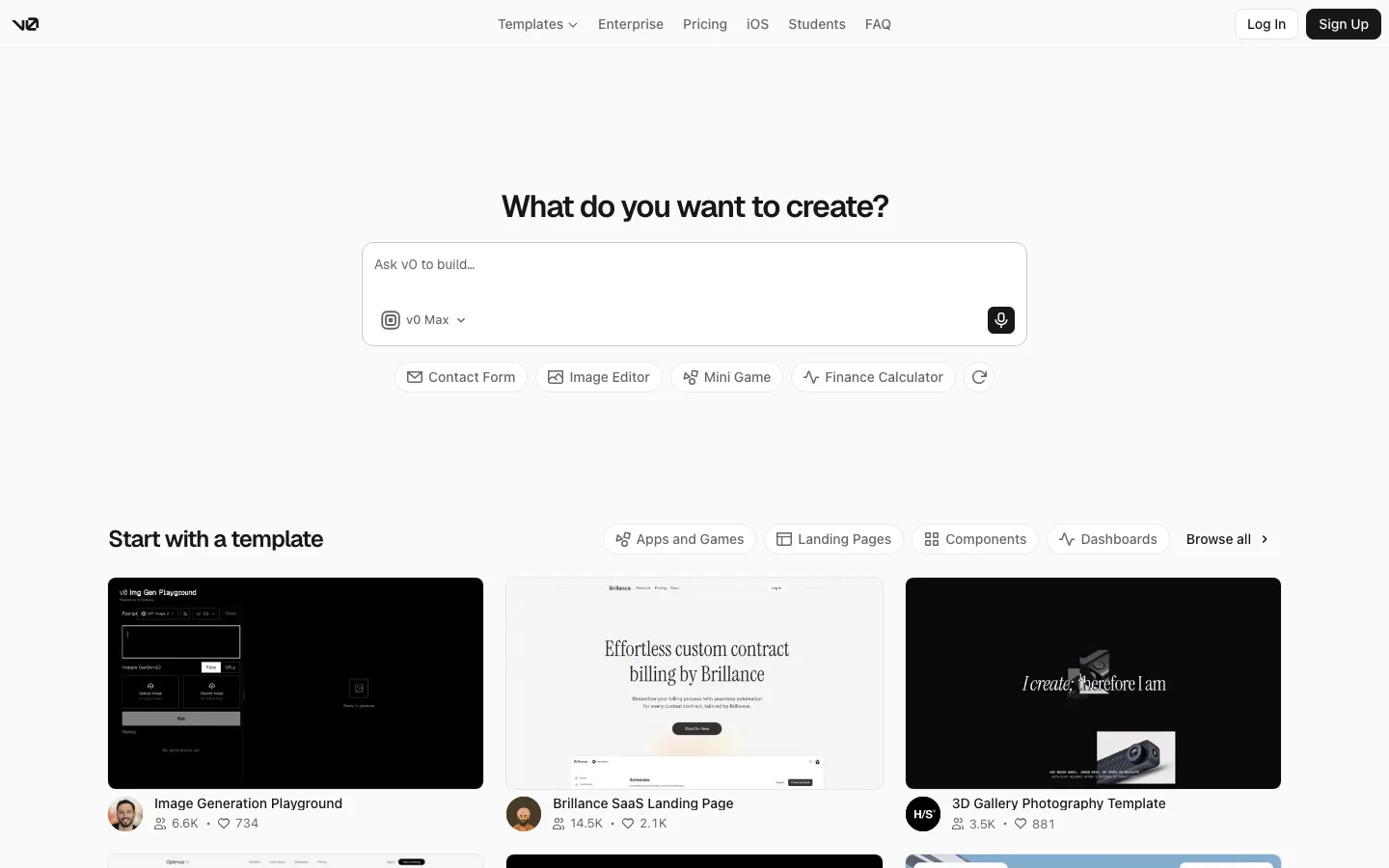
Best for A web app that will live in a Vercel project and benefit from code-level control.
v0 can generate a full-stack web app from a prompt, let you refine it in chat or design mode, and publish it on Vercel. The v0 quickstart covers direct code edits and integrations with databases and other external services. It is more than a component generator.
Choose it when you already use Vercel or want a smooth route from a generated interface to a deployable project. Check which database and services your app needs, since those are decisions you make as the project becomes more than a front end.
Bolt.new
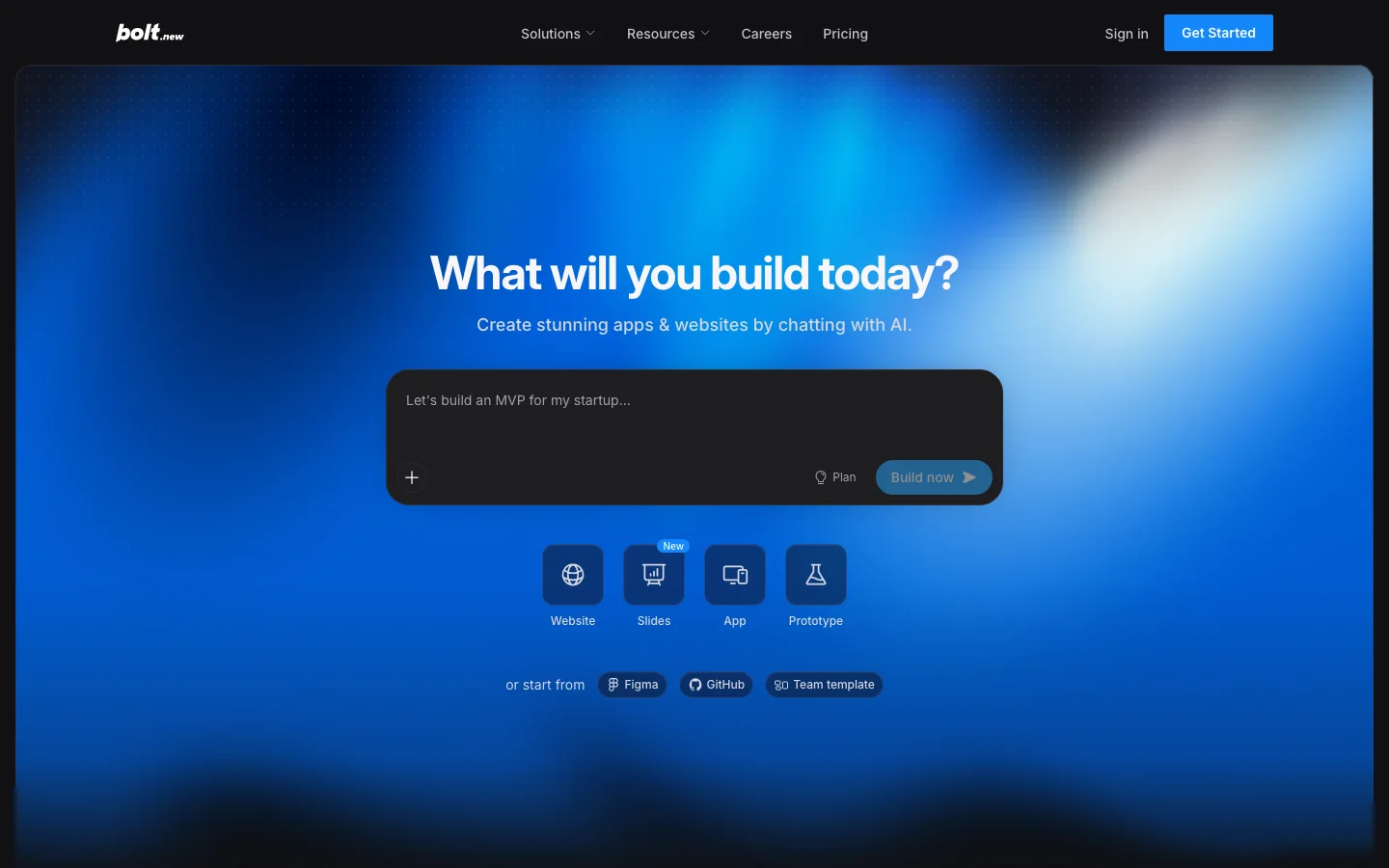
Best for Prompting, previewing, editing code, and publishing from one browser tab.
Bolt runs a development environment in the browser. Describe an app, watch its code and preview appear, then keep prompting or edit the generated code yourself. Its app builder page describes backend support and deployment alongside the browser editor.
It suits someone who wants a fast first build without giving up direct access to the files. As with any generated codebase, test the real workflow and review integrations before using it for important data or payments.
Base44
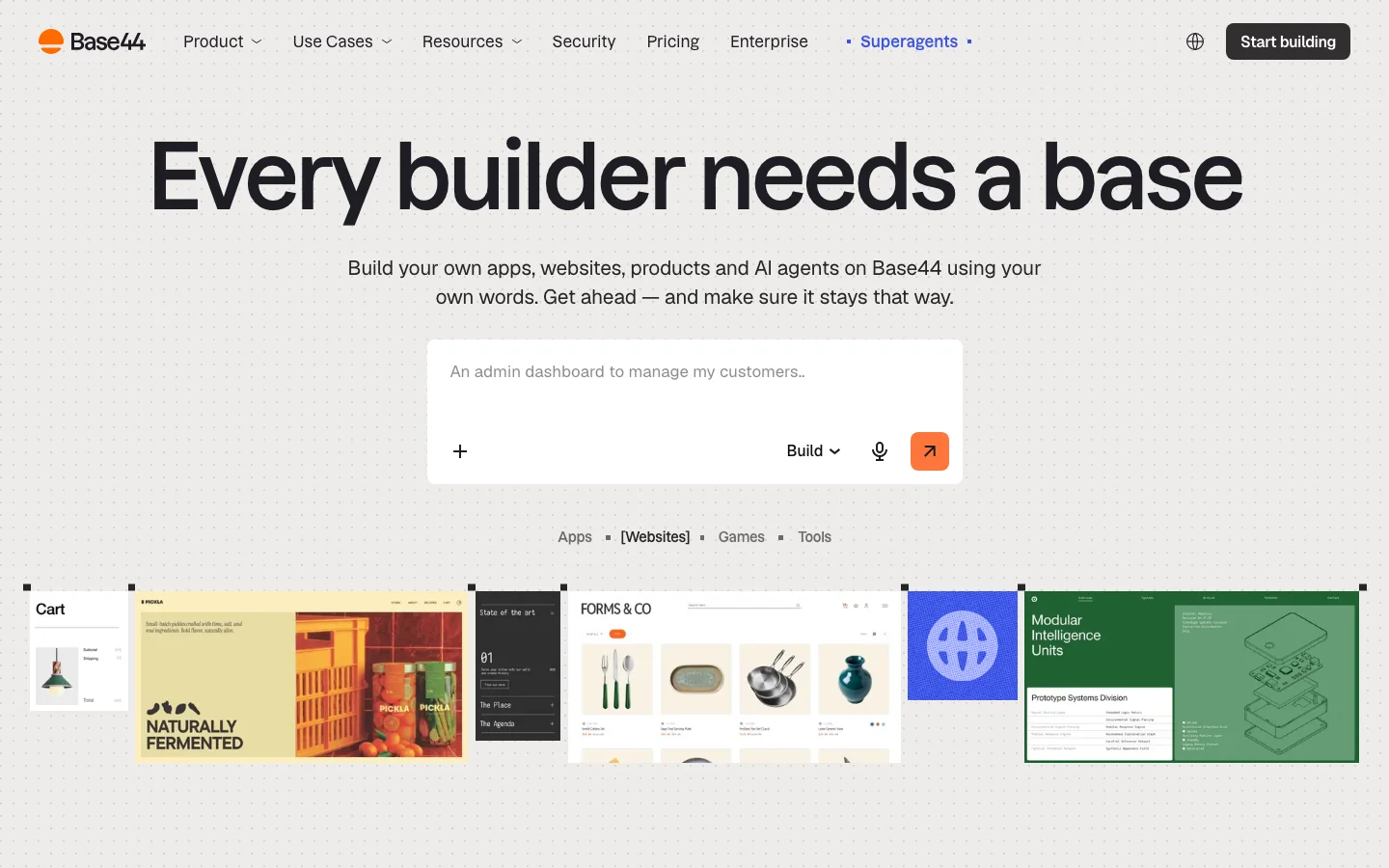
Best for Getting a data-backed business app running inside one managed platform.
Base44 generates the app interface, data, backend logic, authentication, permissions, and deployment from a description. Its AI app builder overview emphasizes getting from prompt to a usable workflow without assembling a separate stack.
That makes it appealing for portals, internal processes, and early products where one service handling the whole setup is a feature. Base44 apps are web-based and mobile-responsive. Its own FAQ says a native app-store release calls for a different route.
Bubble
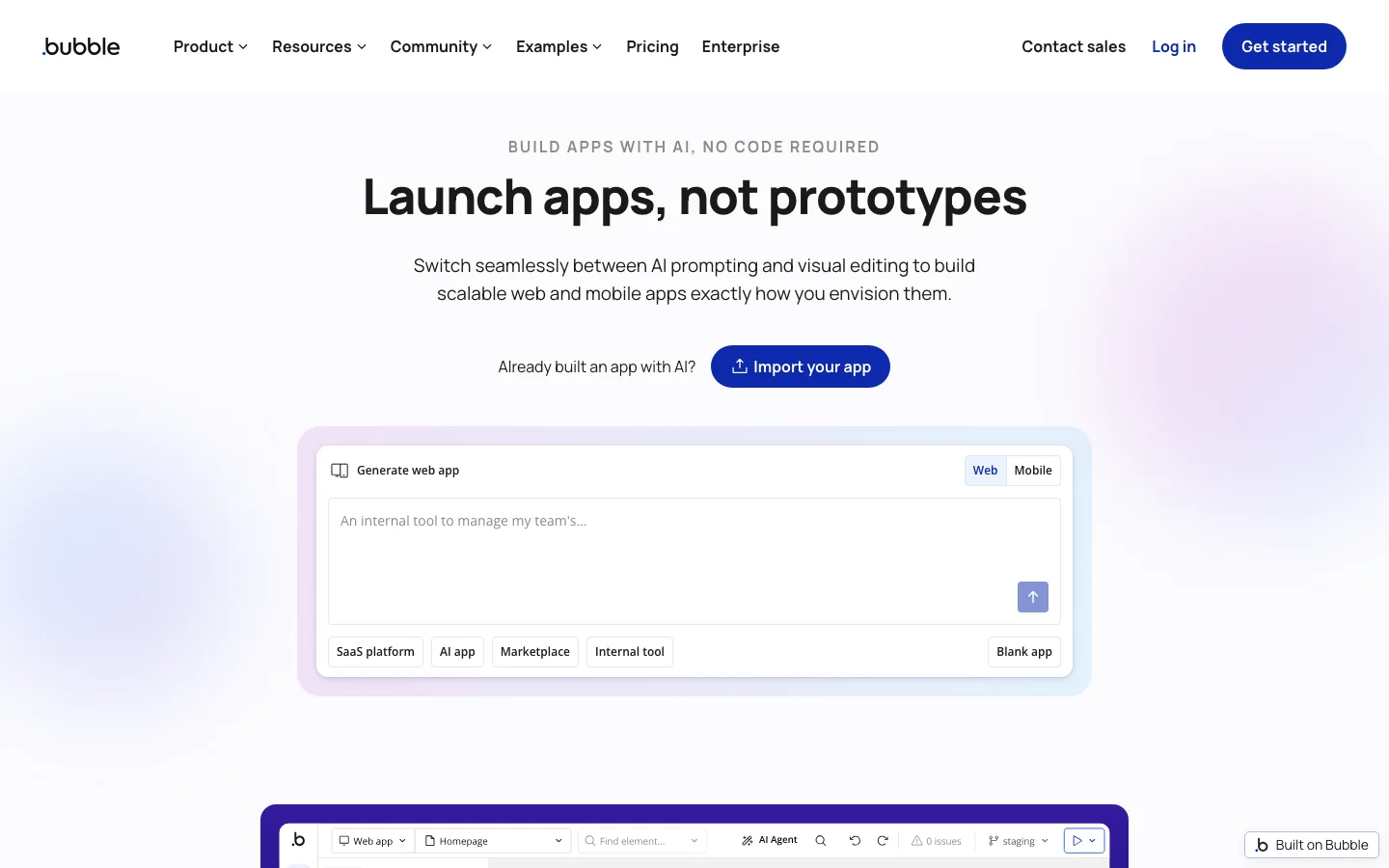
Best for People who want AI to start the app and a visual editor to control its details.
Bubble combines AI generation with a visual editor, database, and workflow builder. You can ask for an initial app and then adjust screens and logic by hand. Bubble's product site now covers both web and native mobile apps, so it belongs on a broader app-builder shortlist.
Its appeal is control through a no-code interface after the first prompt. Budget time to learn its data and workflow model, especially if the app has several roles, permissions, or complex actions.
Glide
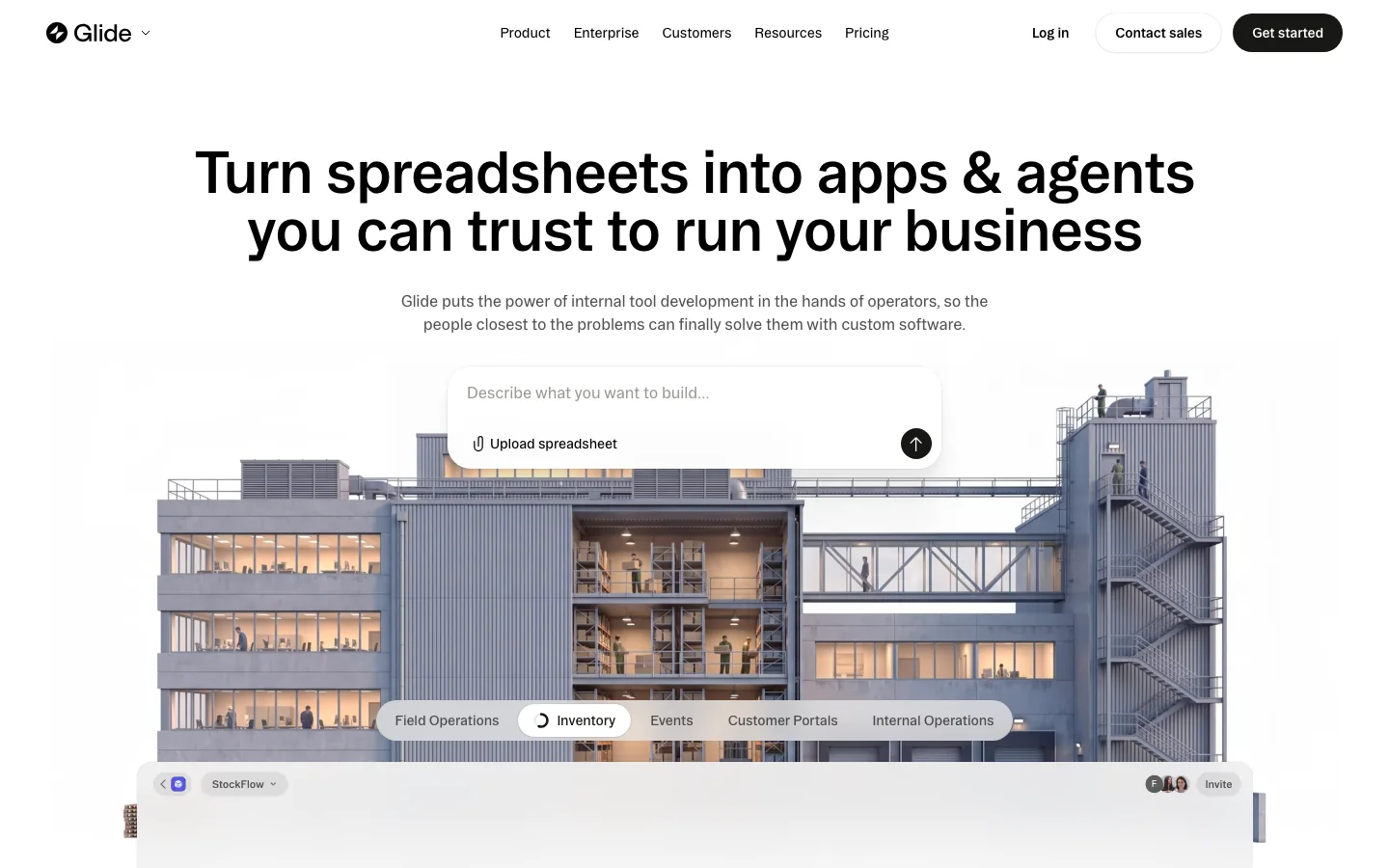
Best for Turning existing business data into an internal tool or team app.
Glide starts from data such as a spreadsheet and helps a team turn it into an app for field operations, inventory, events, customer portals, and other workflows. Its homepage centers the people running those processes, with AI and agents integrated into the platform.
Pick Glide when the data already exists and the goal is to make it easier to use on a phone or across a team. If you are starting a highly custom consumer product with no existing data model, a prompt-first code generator may be the more natural starting point.
How to choose one
Choose around the part of the project that is hardest for you. If setup and publishing are the obstacle, try Puter, Lovable, Bolt, or Base44. If you want a development workspace around the generated app, try Replit or v0. If you prefer shaping workflows in a visual editor, look at Bubble. If the app begins with a spreadsheet or operational data, start with Glide.
Then build the same small app in your top two choices. Compare whether data survives a reload, how easy it is to fix a mistaken field, what publishing actually gives you, and how you would move the project later. Those answers will matter longer than the first screen.
How we compared these builders
We compared popular AI app builders and checked each product's current offering on its own site. We focused on the apps each can build, how you refine a first version, and what publishing or handing off the project involves.
Puter makes Puter AI Builder and publishes this guide. For more about the product, see the feature list or the Puter.js documentation.