
Templates
Templates
Finished apps and websites you can copy into your own account and keep building on. Each one works the moment it is copied, and every part of it can be changed by describing what you want.
All templates
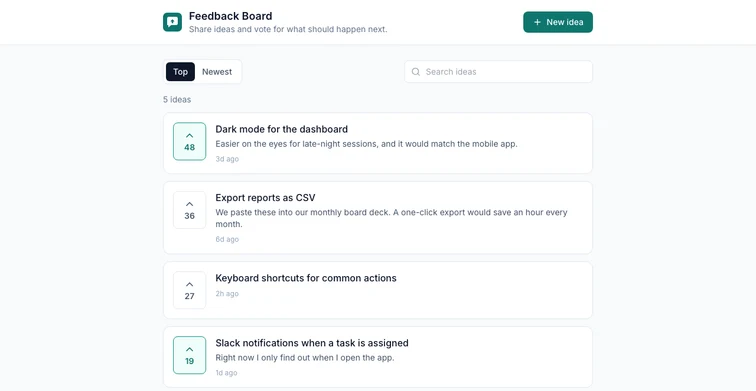
Feedback Board
A shared board where anyone can post ideas and upvote the ones they want.
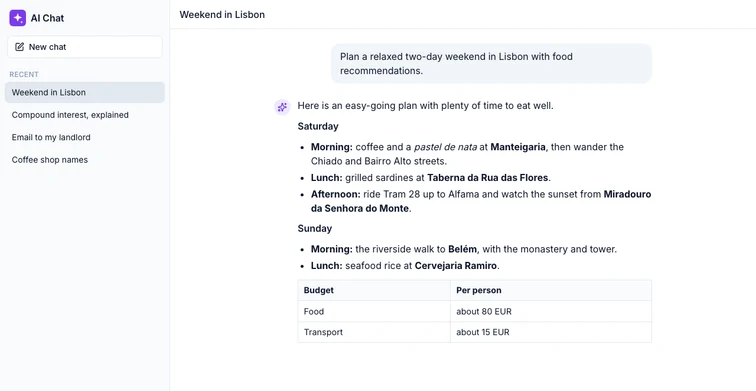
AI Chat Assistant
A private AI assistant with streaming replies and saved conversations.
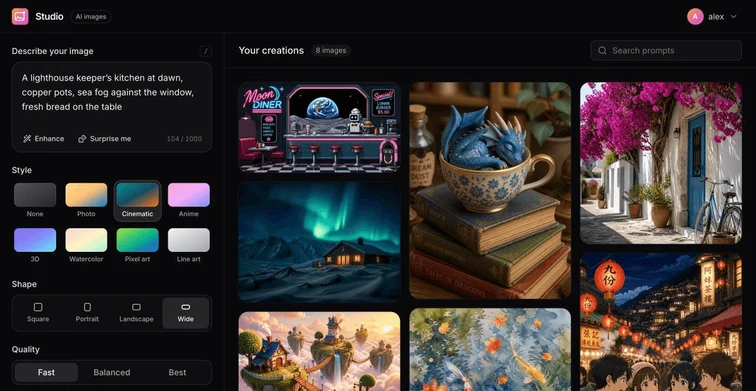
AI Image Studio
Turn prompts into images, with styles, shapes and a private gallery.
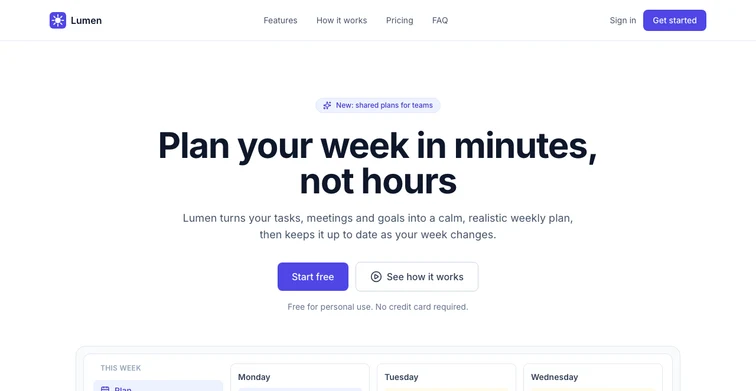
Product Landing Page
A polished landing page with features, pricing, FAQ and a waitlist form.
How templates work
Pick one that is close
It does not have to be exact. A template is a working starting point, not a finished product for your case.
Copy it into your account
Every file lands in a new project of your own, with a live preview. Templates with a backend get their own copy of it, deployed for you.
Make it yours
Describe the changes you want and watch the preview update. Publish it when it is ready, or download the files.
Questions about templates
Why start from a template instead of a prompt?
A template skips the first build. You begin with something that already runs and looks finished, and spend your time on what makes it yours instead of on the basics every app of that kind needs.
Who makes these templates?
The Puter team. Each one is reviewed and kept working, so what you copy runs the moment it lands in your account.
Does my copy share anything with other people’s copies?
No. Your copy has its own files, its own preview and, for templates with a backend, its own backend and data. Nothing you do reaches the template or anyone else.
Have something else in mind?
Describe it and the builder makes it from scratch, then keeps improving it with you.
Start building