
A "what is going on?" picker
A visitor picks their situation and sees the practice area, the lawyer who handles it, the fee, a likely timeline and what to bring.
Template
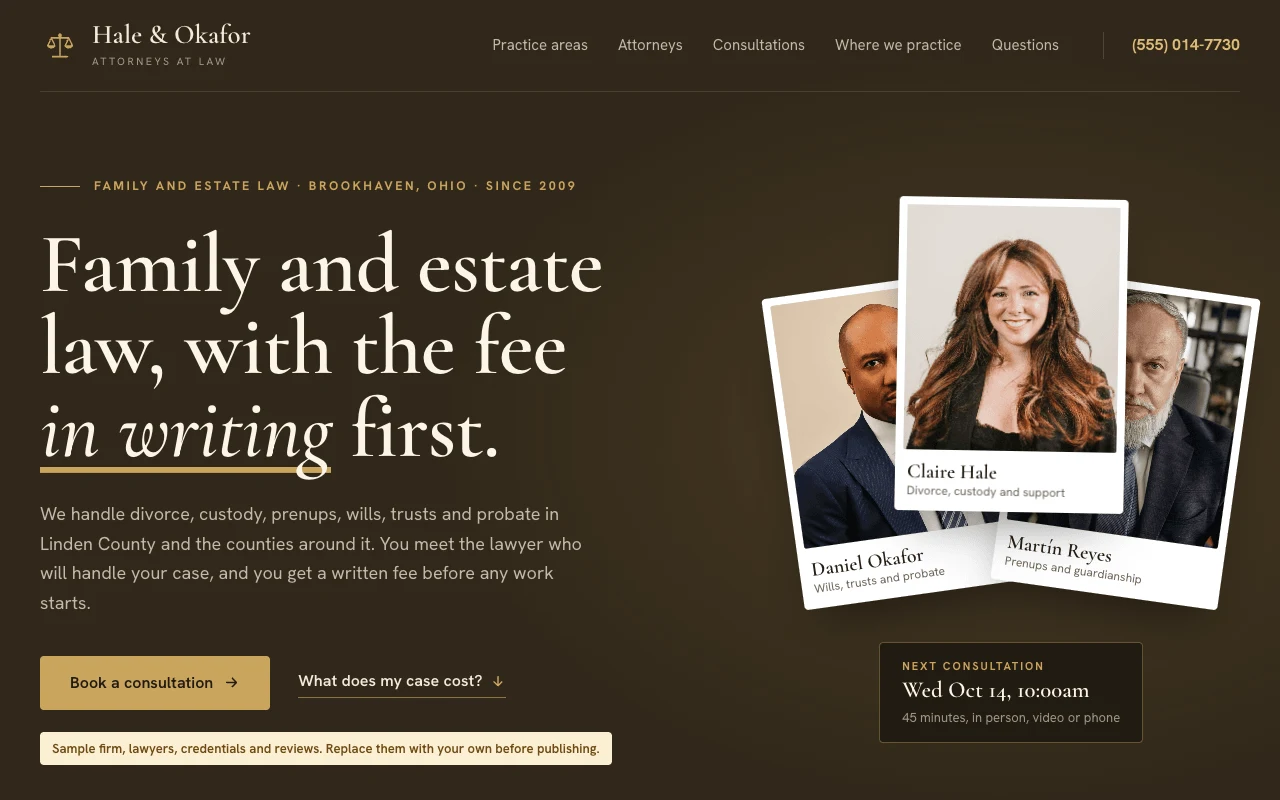
A one-page site for a small law firm or a solo lawyer. Visitors pick what is going on and see which lawyer handles it, the usual fee and timeline, and what to bring to a consultation. The page also lists your practice areas with fees, your attorneys with their bar admissions and education, the counties and courts you cover, and a consultation request form with a conflict check. Copy it, then describe your firm and the page changes to fit.
Free with a Puter account. Your copy is yours to change, publish or download.
A visitor picks their situation and sees the practice area, the lawyer who handles it, the fee, a likely timeline and what to bring.
Each lawyer has a portrait, a focus, a short bio, bar admissions, education and memberships.
The state you are licensed in, the counties you cover and the courts you appear in, so visitors know whether you can take their case.
The length, fee and format of a first meeting, the next openings, and a link to your booking page if you have one.
The form asks for the other people involved, warns visitors not to send confidential details, and goes to the lawyer for that practice area.
An attorney advertising label, a no attorney-client relationship notice and a past results disclaimer, each editable in one place.
Press Use this template and sign in with Puter. A new project with every file of the Law Firm template appears in your account.
Tell the builder what you want in plain language: your content, your colors, a new feature. It edits the code and shows the result in a live preview.
Put it on a public address with one click, or download the files and host them anywhere.
Your copy opens with these suggestions ready to send. Pick one, or describe a change of your own.
Replace the sample attorneys with ours. I will upload a portrait of each and give you their name, title, bar admissions, education and memberships.
Make the consultation form save each request instead of opening an email, and add a private page where only I can read them, filtered by practice area.
Give each practice area its own page with a longer explanation, the fee, the usual timeline and its own questions, linked from the practice area cards.
As copied, the form opens the visitor’s email app with a message to the lawyer for that practice area. If you use a booking page such as Calendly or Clio Grow, add its link and every consultation button opens it. Ask the builder to save requests instead and it adds a private page where you read them.
No. The firm, the lawyers, their credentials and the reviews are placeholders, and the photos are free stock images. Replace them with your own before you publish.
It includes an attorney advertising label and the usual disclaimers, but the rules differ by state, especially for testimonials, case results and words like "specialist". Check your state bar’s rules before you publish. The template is not legal advice.
Yes. Copying a template and building on it is free with a Puter account, and the copy is yours to keep.
No. Your copy is independent from the moment it is made. Updates to the template never touch it, and nothing you change reaches anyone else.
Copy it into your account in a few seconds, then make it yours by describing what you want.
Use this template