
About the dentist
A portrait, a short note in your own words, your training timeline, memberships and license, so patients know who they will see.
Template
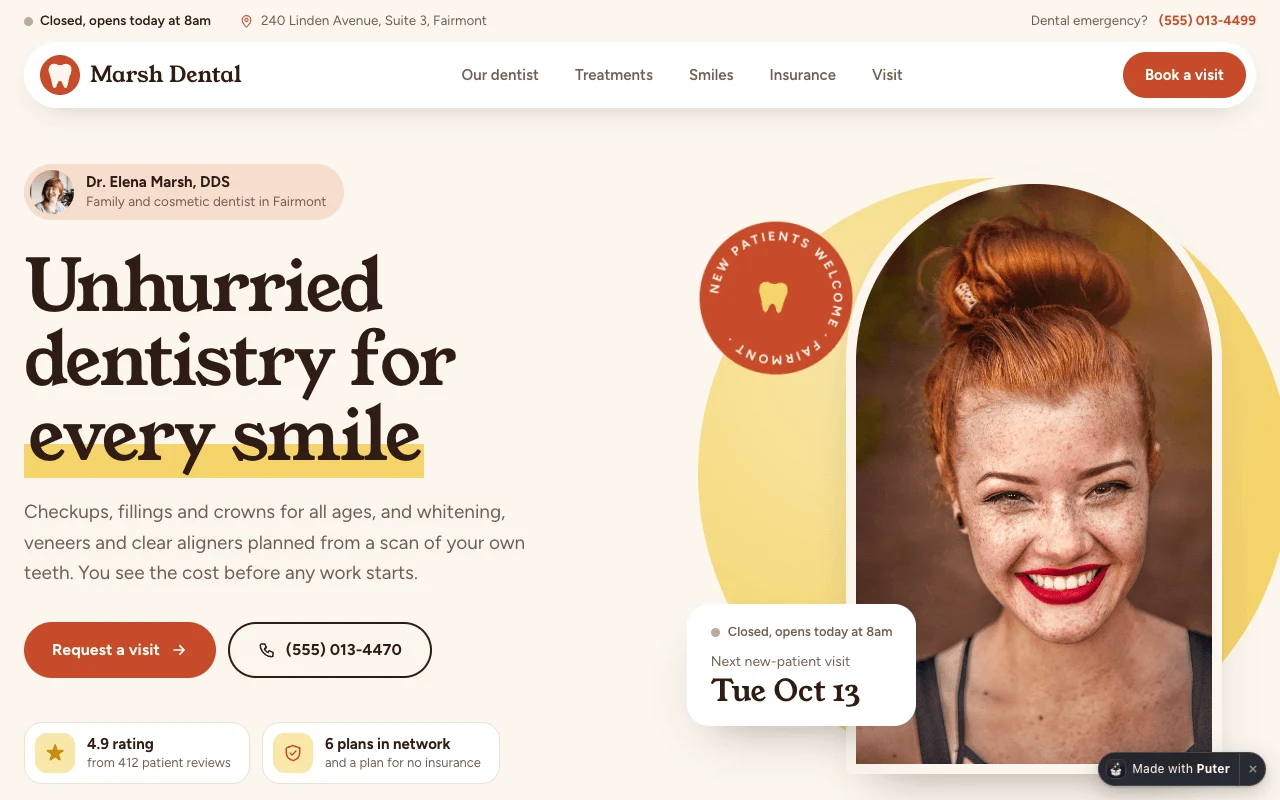
A one-page site for a dentist. It introduces you with your training and memberships, lists your treatments with prices and chair time, shows before and after cases with a drag slider, tells visitors whether you take their insurance, and takes booking requests for a day and time of day. Copy it, then describe your practice and the page changes to fit.
Free with a Puter account. Your copy is yours to change, publish or download.
A portrait, a short note in your own words, your training timeline, memberships and license, so patients know who they will see.
Each case has a slider that patients drag to compare, with the treatment, number of visits and time taken.
A visitor picks their plan and sees whether you are in network, and what happens if you are not. Patients without insurance see your membership plan.
Patients pick a reason, a day from your open days and a time of day. The request goes to the person who handles that reason.
The page shows whether you are open right now in your own time zone, and highlights today in the hours table.
The emergency number sits in the top bar, the visit card and the bar at the bottom of phone screens.
Press Use this template and sign in with Puter. A new project with every file of the Dentist Website template appears in your account.
Tell the builder what you want in plain language: your content, your colors, a new feature. It edits the code and shows the result in a live preview.
Put it on a public address with one click, or download the files and host them anywhere.
Your copy opens with these suggestions ready to send. Pick one, or describe a change of your own.
Replace the sample smile gallery with my own cases. I will upload a before and an after photo for each and tell you the treatment, visits and time taken.
Make the booking form save each request instead of opening an email, and add a private page where only my front desk can read them, filtered by reason and day, without storing health details.
As copied, the form opens the patient’s email app with a request to the person who handles that reason, such as the front desk or the dentist. Ask the builder to save requests instead and it adds a private page where your team reads them.
Do not collect medical history or other health details through the form unless your setup meets the privacy rules that apply to your practice, such as HIPAA in the US.
No. The dentist, bio, credentials, reviews and rating are placeholders, the photos are free stock images, and each sample "before" photo is the "after" photo with a tint. The page labels them as samples until you replace them with your own, and patient photos need the patient’s consent.
Yes. Describe your practice and the builder changes the treatments, the about section and the booking reasons. Ask it to add a team section with a card for each dentist and hygienist.
Yes. Copying a template and building on it is free with a Puter account, and the copy is yours to keep.
No. Your copy is independent from the moment it is made. Updates to the template never touch it, and nothing you change reaches anyone else.
Copy it into your account in a few seconds, then make it yours by describing what you want.
Use this template