
Services that add themselves up
Four category tiles open the menu for hands, feet, enhancements and art. Each service added updates a ticket with the total chair time and a price estimate.
Template
A nail salon website template with service tiles, a shade bar that previews each set, a shop of take-home aftercare and booking requests you can publish today.
Free to start with a Puter account. Your copy is yours to change, publish or download.
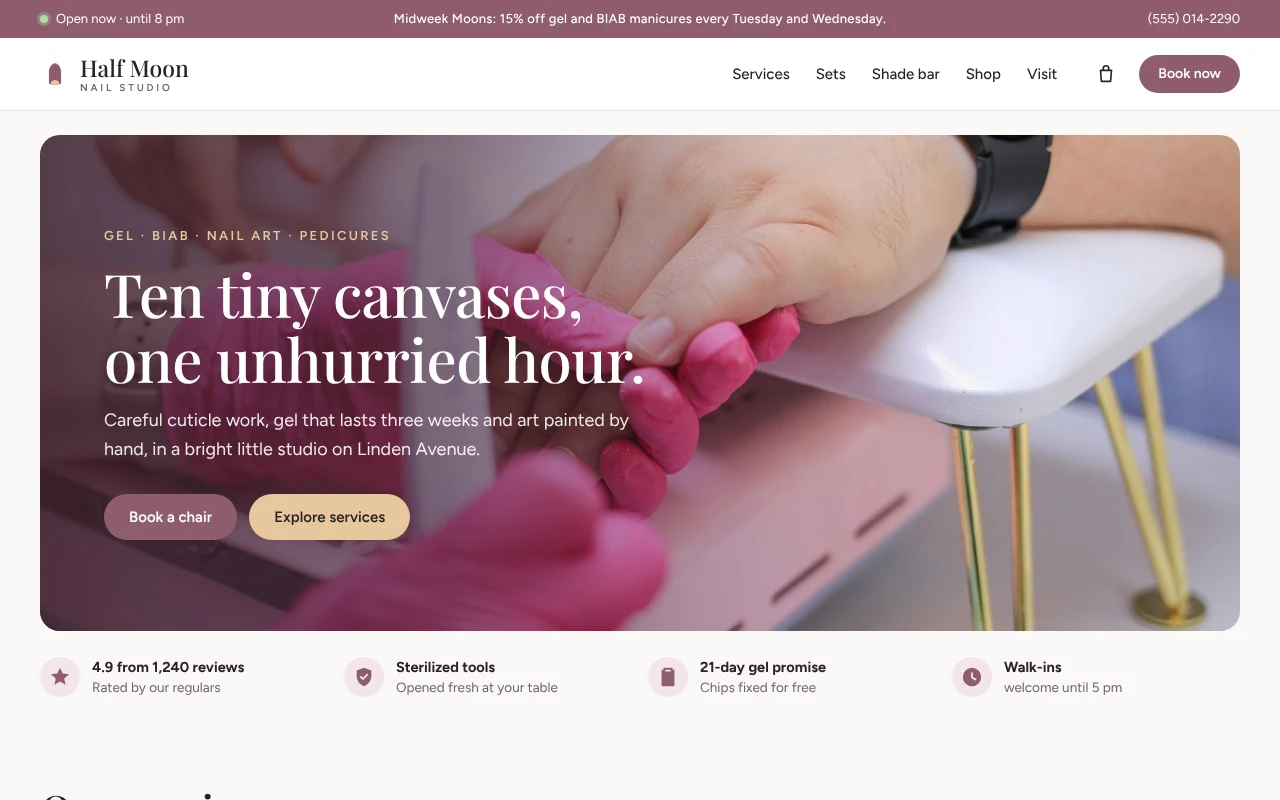
Four category tiles open the menu for hands, feet, enhancements and art. Each service added updates a ticket with the total chair time and a price estimate.
Six signature sets shown like products, with a price, a rating and a button that puts the set in the shade bar.
Visitors pick from thirty shades, five nail shapes, four finishes and nail art details, and see the bottle and the set change as they choose.
Cuticle oil, polish, hand cream and a glass file, each added to the visit in one tap and paid for at the studio.
Clients pick an artist, a day and a start time that fits the length of the visit, and can save it to their calendar. Requests reach you by email or a form endpoint.
The announcement bar and a promo band advertise the offer, the day picker marks the days it applies, and the booking summary takes the discount off.
Press Use this template and sign in with Puter. A new project with every file of the Nail Salon template opens in the builder.
Tell the builder what you want in plain language: your content, your colors, a new feature. It edits the code and shows the result in a live preview.
Put it on a public address with one click, or download the files and host them anywhere.
The booking form collects the services, artist, day, time and contact details and sends them to you as a request, which you confirm by text or email. Give it a form endpoint to receive requests as JSON, or leave it empty and each request opens in the client's email app, addressed to you.
Taken times are simulated so the page looks lived in. Ask the builder to connect your booking provider or to remove them.
Yes. Attach your photos and ask the builder to use them for the hero or the shop, or to add a gallery of your work. Prices and product details change in the same request.
Every section is laid out for small screens: the category tiles sit two by two, the hero text sits over the bottom of the photo, and the day and time pickers are sized for thumbs.
Copying a template is free with a Puter account, and the copy is yours to keep. Changing it with AI uses your account's free allowance, and when that runs out you can upgrade.
No. Your copy is independent from the moment it is made. Updates to the template never touch it, and nothing you change reaches anyone else.
It opens in the builder in a few seconds. Then make it yours by describing what you want.
Use this template