
A fee worksheet visitors can trust
Visitors tick what is on their return (a business, rentals, investments, unfiled years) and see the flat fee add up line by line, with a turnaround estimate. Prices are plain data you can change in seconds.
Template
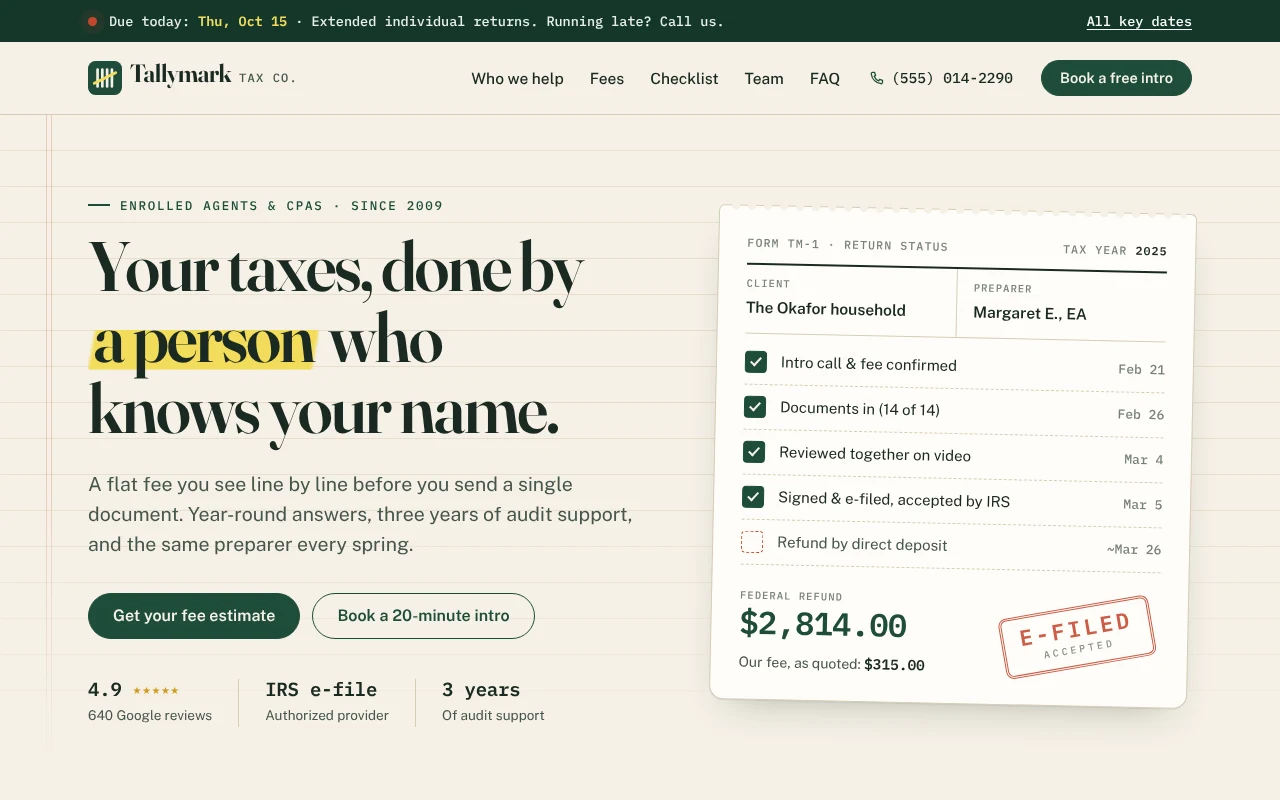
A website for a tax preparer or small tax office, with a flat-fee worksheet, a document checklist, deadline alerts and booking. Copy it and make it yours.
Free to start with a Puter account. Your copy is yours to change, publish or download.
Visitors tick what is on their return (a business, rentals, investments, unfiled years) and see the flat fee add up line by line, with a turnaround estimate. Prices are plain data you can change in seconds.
The checklist shows only what each visitor needs to bring, remembers their ticks on their device and prints cleanly, so the first meeting starts with everything on the table.
A ribbon at the top counts down to the next federal deadline, and the booking section lists the key dates ahead, moved to the next business day when they land on a weekend.
Tabs for families, freelancers, business owners, landlords, retirees and late filers, preparer profiles with credentials, reviews, questions and an intro call request that carries the estimate.
Press Use this template and sign in with Puter. A new project with every file of the Tax Preparation Service template opens in the builder.
Tell the builder what you want in plain language: your content, your colors, a new feature. It edits the code and shows the result in a live preview.
Put it on a public address with one click, or download the files and host them anywhere.
Yes. Every fee line, its price and what it adds to the turnaround is plain data. Ask the builder to change a price, add a service like amended returns, or remove one you do not offer, and the worksheet, tabs and checklist all follow.
By default the form opens an email draft to your address with the request and the visitor's estimate filled in. If you use a form service, or want requests saved to your Puter account, ask the builder to connect it.
Yes. Describe your services and the builder can add bookkeeping or payroll lines to the worksheet, new situations to the tabs and the matching documents to the checklist.
Copying a template is free with a Puter account, and the copy is yours to keep. Changing it with AI uses your account's free allowance, and when that runs out you can upgrade.
No. Your copy is independent from the moment it is made. Updates to the template never touch it, and nothing you change reaches anyone else.
It opens in the builder in a few seconds. Then make it yours by describing what you want.
Use this template