
Artist ledger
Every resident artist with their styles, hourly rate and whether their books are open, on a waitlist or closed. Pick one to see their work or book them.
Template
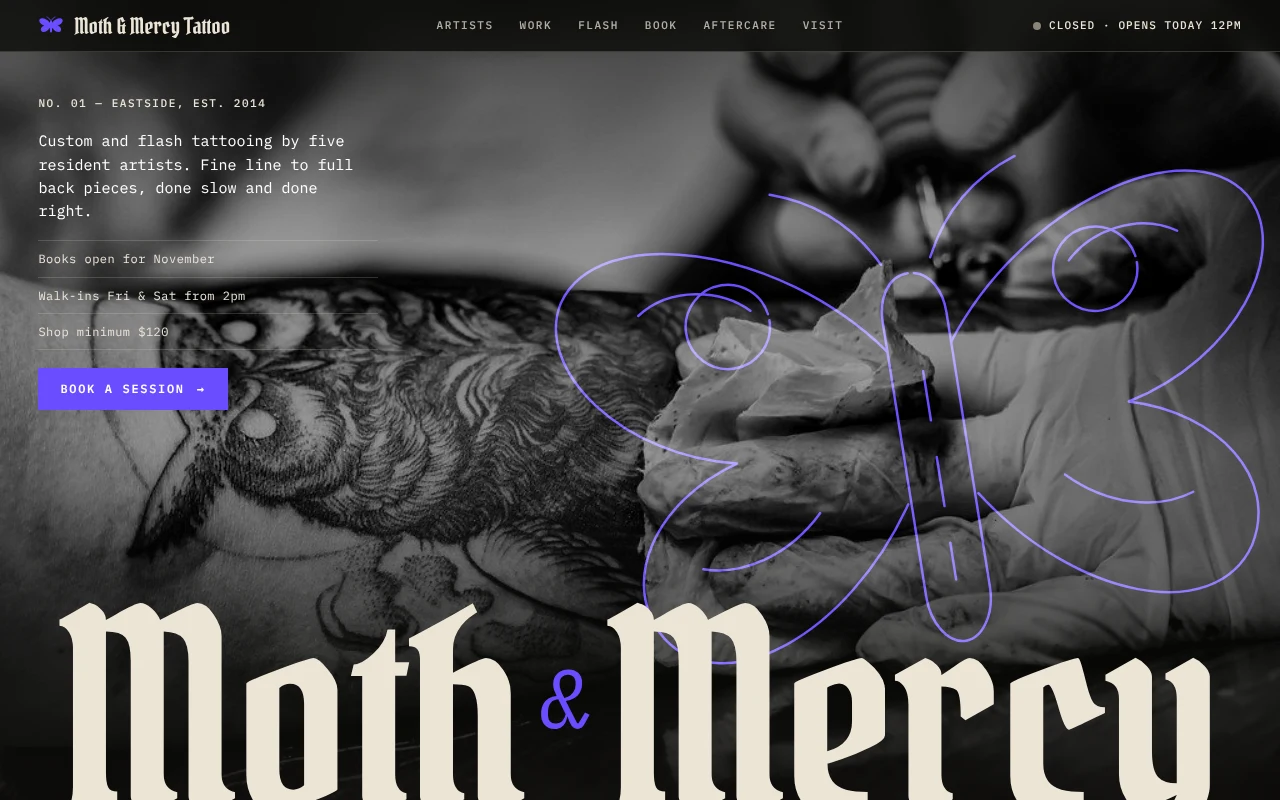
A tattoo studio website with an artist ledger, a claimable flash wall, a booking form with live price estimates, aftercare by day and open-now hours.
Free to start with a Puter account. Your copy is yours to change, publish or download.
Every resident artist with their styles, hourly rate and whether their books are open, on a waitlist or closed. Pick one to see their work or book them.
Healed and fresh work in a full-bleed grid, filtered by style or artist, with a larger view on click. Hovering turns a photo into a violet stencil.
One-off designs pinned to a paper wall with their price. Claiming one fills in the booking form, and once it is booked it is stamped as claimed.
Custom, flash or cover-up requests with placement, size and ink. The time, price range and deposit update as visitors fill it in.
Visitors drag through the first 30 days of healing and see what to do at each stage, so the shop answers fewer of the same questions.
Weekly hours with today highlighted, and a live open or closed sign in the header that says when the studio opens next.
Press Use this template and sign in with Puter. A new project with every file of the Tattoo Studio template opens in the builder.
Tell the builder what you want in plain language: your content, your colors, a new feature. It edits the code and shows the result in a live preview.
Put it on a public address with one click, or download the files and host them anywhere.
In the template they are saved in the visitor's browser and listed under the form. Ask the builder to email each request to you, or to save them to a list only you can see.
Yes. The flash wall ships with drawn designs, and you can ask the builder to replace them with photos of your own flash and your prices.
Each artist's hourly rate, the shop minimum, the deposit and the placement multipliers are plain data at the top of the code. Describe your pricing and the builder updates them.
Copying a template is free with a Puter account, and the copy is yours to keep. Changing it with AI uses your account's free allowance, and when that runs out you can upgrade.
No. Your copy is independent from the moment it is made. Updates to the template never touch it, and nothing you change reaches anyone else.
It opens in the builder in a few seconds. Then make it yours by describing what you want.
Use this template