
Price checker in the hero
A visitor enters a ZIP code, a lawn size and how often, and sees a price per visit and the next date your crew can start.
Template
A one-page site for a local lawn care business. Visitors enter their ZIP code and lawn size and get a price and a first visit date. The page also shows your services, recent jobs, the towns you cover and the day your crew works each one, and an enquiry form that goes to the right person. Copy it, then describe your business and the page changes to fit.
Free with a Puter account. Your copy is yours to change, publish or download.
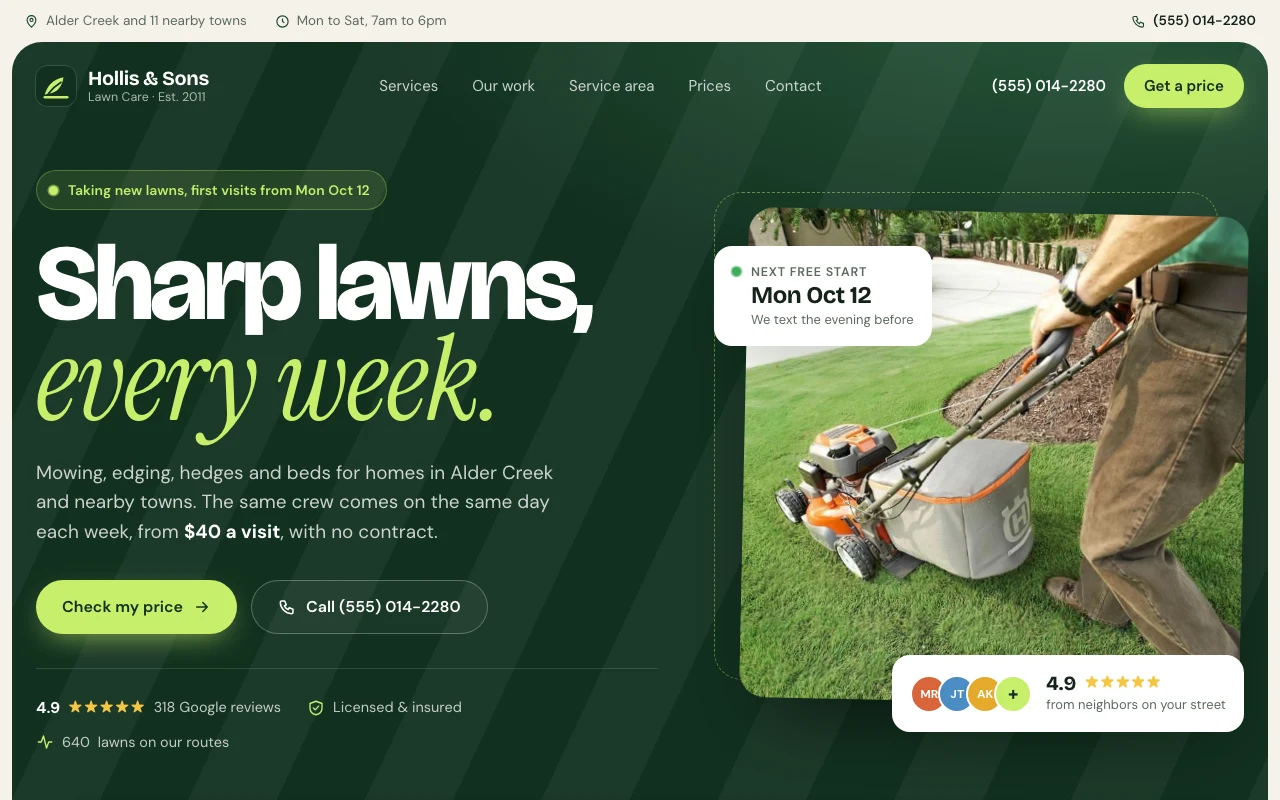
A visitor enters a ZIP code, a lawn size and how often, and sees a price per visit and the next date your crew can start.
A map and a list of the towns you cover, each with the weekday your crew works there, and a ZIP code check.
Job photos with the service, town and month, filtered by service. Swap the stock photos for your own.
The enquiry form names who handles each service and opens an email to them with the details filled in.
On small screens a bar stays at the bottom with call, text and price buttons.
Business details, towns, prices, services, reviews and questions are plain lists at the top of the script.
Press Use this template and sign in with Puter. A new project with every file of the Lawn Care Business template appears in your account.
Tell the builder what you want in plain language: your content, your colors, a new feature. It edits the code and shows the result in a live preview.
Put it on a public address with one click, or download the files and host them anywhere.
Your copy opens with these suggestions ready to send. Pick one, or describe a change of your own.
Replace the stock photos with my own job photos. I will upload them, and tell you the job, town and month for each.
Make the enquiry form save each message instead of opening an email, and add a private page where only I can read them, filtered by service.
Add a before and after slider to the recent jobs section. I will upload a before and an after photo for each job.
As copied, the form opens the visitor’s email app with a message to the person who handles that service. Ask the builder to save enquiries instead and it adds a private page where you read them.
No. The business, the reviews and the rating are placeholders, and the photos are free stock images. Replace them with your own reviews and job photos before you publish.
Yes. Describe what you offer and the builder changes the services, prices and wording. The price checker and service area work the same way for any service with set routes.
Yes. Copying a template and building on it is free with a Puter account, and the copy is yours to keep.
No. Your copy is independent from the moment it is made. Updates to the template never touch it, and nothing you change reaches anyone else.
Copy it into your account in a few seconds, then make it yours by describing what you want.
Use this template