
Menus guests can read
Dinner, brunch, bar and dessert menus as real text with prices, dietary tags and filters for vegetarian, vegan and gluten-free. No PDFs to pinch and zoom.
Template
A restaurant website template with menus as text, live opening hours, a table booking form, private dining enquiries and gift cards. Copy it and make it yours.
Free to start with a Puter account. Your copy is yours to change, publish or download.
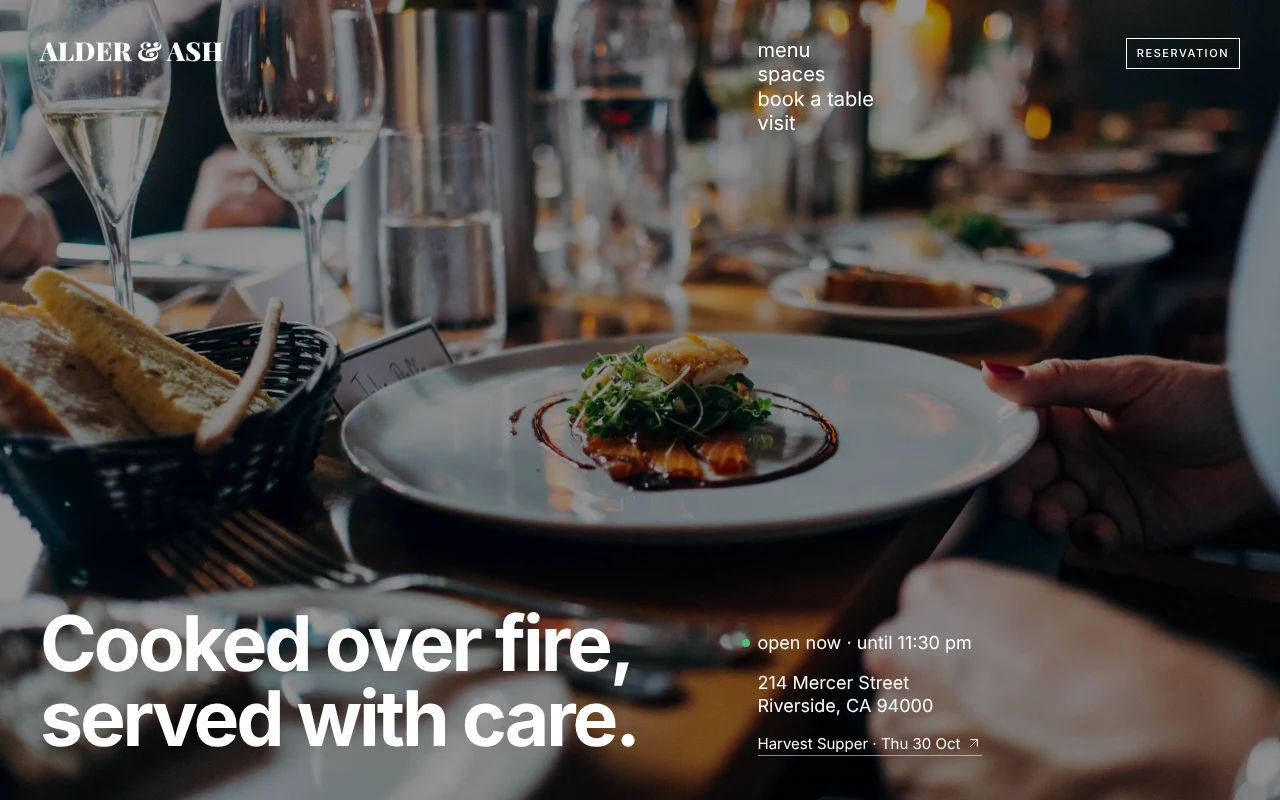
Dinner, brunch, bar and dessert menus as real text with prices, dietary tags and filters for vegetarian, vegan and gluten-free. No PDFs to pinch and zoom.
Set opening hours once for each service. The site shows whether you are open right now, highlights today, and skips holidays you have marked closed.
Guests pick a party size, a date, where to sit and a time from slots worked out from your hours, then send the request with an add-to-calendar file.
Rooms with photos, capacities and minimum spend, and an enquiry form. Bigger groups are steered here instead of the regular booking form.
A dated card of tonight's specials beside the menus, next to the chef's tasting menu, so regulars see what is new before they book.
Request a gift card in a few taps and join a monthly letter. Requests go to your inbox or to a form service of your choice.
Press Use this template and sign in with Puter. A new project with every file of the Restaurant template opens in the builder.
Tell the builder what you want in plain language: your content, your colors, a new feature. It edits the code and shows the result in a live preview.
Put it on a public address with one click, or download the files and host them anywhere.
Not out of the box. Requests arrive by email, or at a form service if you add its address. Ask the builder to link your OpenTable, Resy or Tock page instead, or to store bookings in a dashboard for your staff.
Describe the change in plain language, such as "add a lamb shoulder for $34 to the hearth section" or "we now open at 4 pm on Fridays". The menus, hours and booking times all update from one place.
Yes. Attach your photos in the chat and say where they go. The included photos are public domain, so you can also keep them.
Copying a template is free with a Puter account, and the copy is yours to keep. Changing it with AI uses your account's free allowance, and when that runs out you can upgrade.
No. Your copy is independent from the moment it is made. Updates to the template never touch it, and nothing you change reaches anyone else.
It opens in the builder in a few seconds. Then make it yours by describing what you want.
Use this template