
Featured properties
A carousel of your listings with price, status, beds, baths and square feet, filtered by for sale, under offer and sold. Each one has an enquiry button.
Template
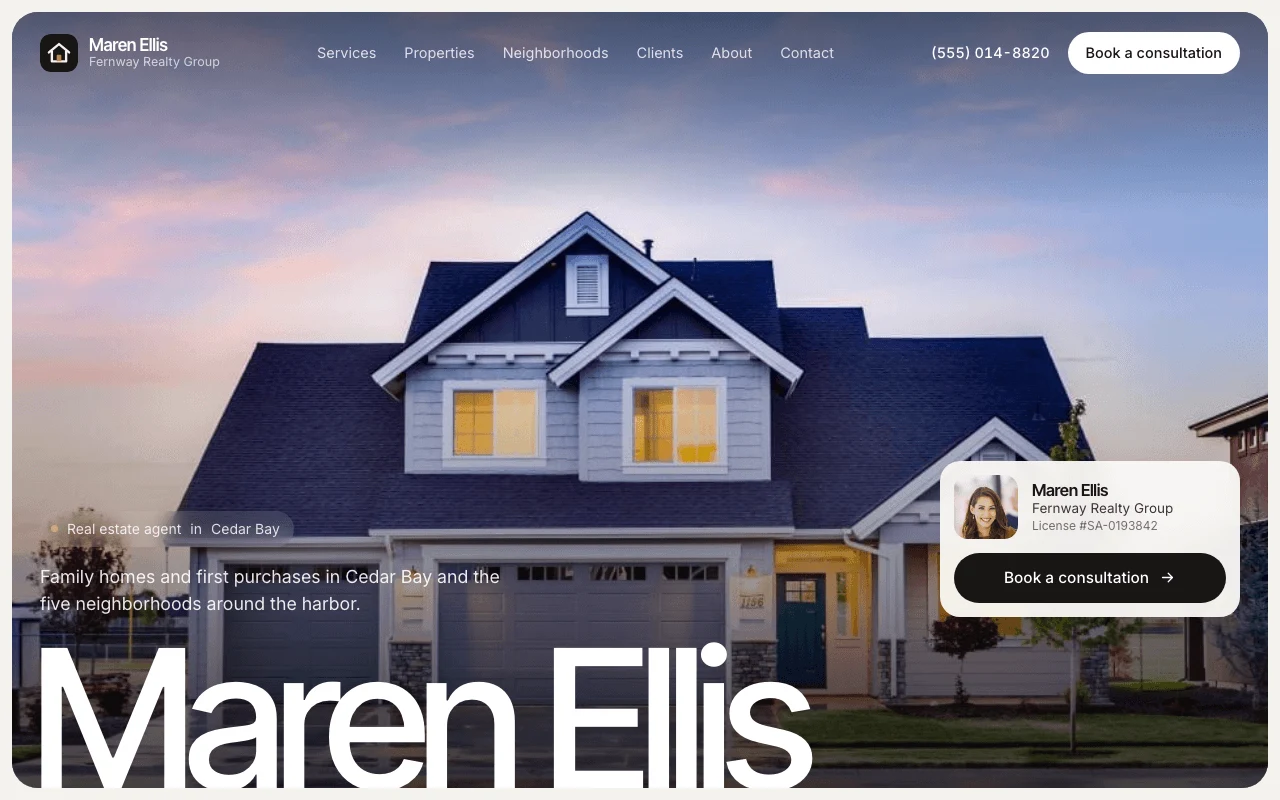
A one-page site for a real estate agent. It opens with your name, headshot, brokerage and specialty, then shows your services, a carousel of your listings and recent sales, a guide to each neighborhood you work in, client reviews, your story and a contact form. A Book a consultation button stays in reach on every screen. Copy it, then describe your business and the page changes to fit.
Free with a Puter account. Your copy is yours to change, publish or download.
A carousel of your listings with price, status, beds, baths and square feet, filtered by for sale, under offer and sold. Each one has an enquiry button.
Each area you serve gets a median price, typical home, time to sell, commute and the advice you give buyers there.
The button sits in the menu, the hero, the footer and a bar on phones. Point it at your Calendly or other booking page, or let it open the form.
Testimonials and a table of recent sales showing the neighborhood, the price, whether you represented the buyer or the seller, and days on market.
New agent with no listings or reviews yet? Switch a section off and its menu link goes with it.
Visitors say whether they want to buy, sell or relocate, pick a listing and their timeline, and the form opens an email to you with it all filled in.
Press Use this template and sign in with Puter. A new project with every file of the Real Estate Agent template appears in your account.
Tell the builder what you want in plain language: your content, your colors, a new feature. It edits the code and shows the result in a live preview.
Put it on a public address with one click, or download the files and host them anywhere.
Your copy opens with these suggestions ready to send. Pick one, or describe a change of your own.
Replace the sample listings with my own. I will upload the photos and give you the address, price, status, beds, baths, square feet and listing link for each.
Make the contact form save each message instead of opening an email, and add a private page where only I can read them, filtered by buying or selling.
No. The agent, the listings, the neighborhoods, the reviews and the sales figures are placeholders, and the photos are free stock images. The page labels them as samples until you replace them with your own.
Yes. Give the builder your Calendly, Cal.com or other booking link and every Book a consultation button opens it. Without a link, the buttons open the enquiry form with a consultation picked.
Not as copied. Listings are a short list you edit, each with an optional link to the full listing on your brokerage or MLS site. Ask the builder to add or update a listing and it changes the list.
Yes. Copying a template and building on it is free with a Puter account, and the copy is yours to keep.
No. Your copy is independent from the moment it is made. Updates to the template never touch it, and nothing you change reaches anyone else.
Copy it into your account in a few seconds, then make it yours by describing what you want.
Use this template