
Request form that quotes the fee
A visitor picks no heat, no cooling, a leak or another problem, enters a ZIP code and sees the fee and the first visit window before sending. A gas smell gets safety steps instead.
Template
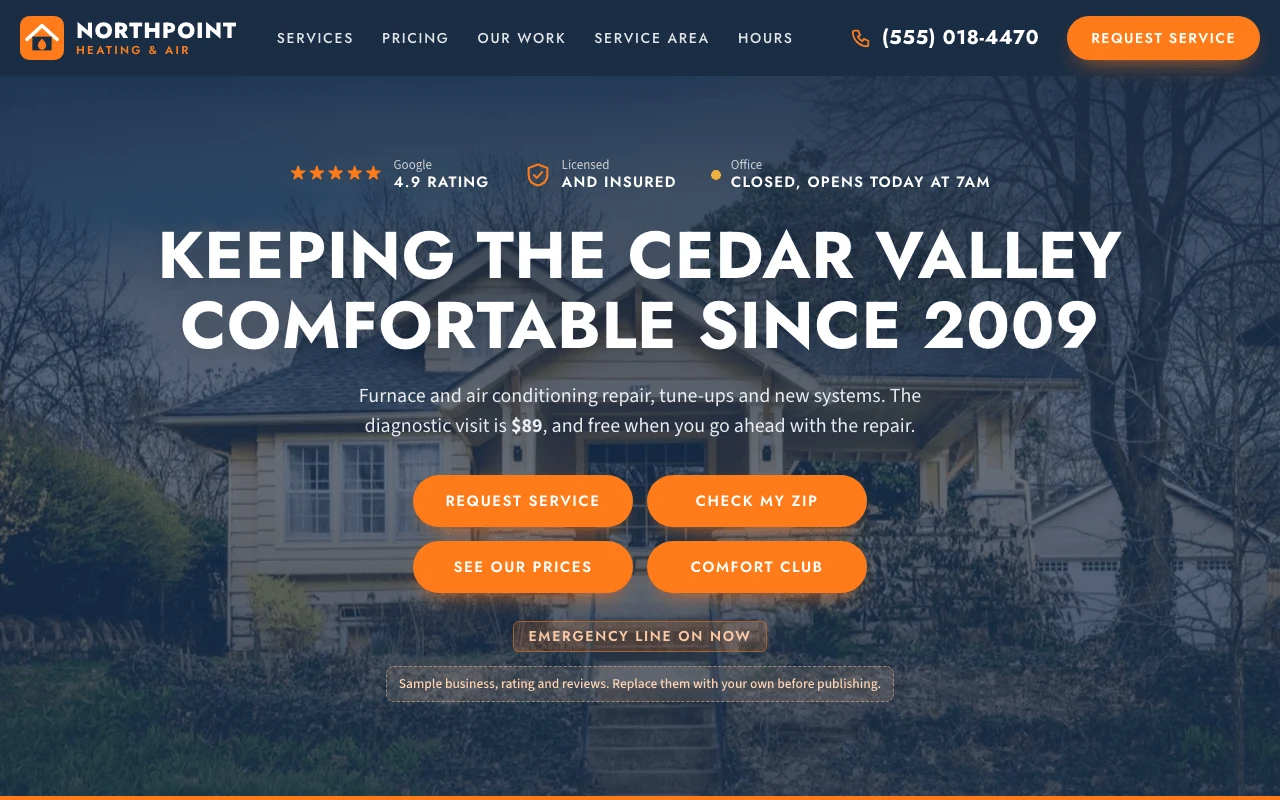
A one-page site for a local heating and cooling company, in the classic navy and orange look of an established trade business. The service request form sits next to the intro: a visitor picks the problem and enters a ZIP code, and sees whether you cover them, the fee that applies and the next visit window, then sends it to your own email or form service. The page also shows your AC and heating services with prices, your terms and maintenance plan, recent jobs, reviews, the towns you serve and whether you are open right now. Copy it, then describe your business and the page changes to fit.
Free with a Puter account. Your copy is yours to change, publish or download.
A visitor picks no heat, no cooling, a leak or another problem, enters a ZIP code and sees the fee and the first visit window before sending. A gas smell gets safety steps instead.
Opening hours, holidays and the after-hours line are worked out in your timezone, so the page says whether you are open right now.
A map and list of the towns you cover, split into a same-day zone and an extended zone with a trip fee.
Air conditioning and heating cards with repair, replacement and maintenance rows, plus your terms and maintenance plan, all quoted from one place.
Each job shows the town, the month, what was wrong and what was done. Swap the stock photos for your own.
The booking form opens an email to your address, or posts to a form service or backend of your own.
Press Use this template and sign in with Puter. A new project with every file of the HVAC Business template appears in your account.
Tell the builder what you want in plain language: your content, your colors, a new feature. It edits the code and shows the result in a live preview.
Put it on a public address with one click, or download the files and host them anywhere.
Your copy opens with these suggestions ready to send. Pick one, or describe a change of your own.
Replace the stock photos and sample jobs with my own. I will upload the photos and tell you the problem, the fix, the town and the month for each job.
Make the booking form save each request instead of opening an email, and add a private page where only I can see them, sorted by visit window.
As copied, the form opens the visitor’s email app with a message to the address you set. Add a form endpoint and it posts there instead, or ask the builder to save requests and it adds a private page where you read them.
No. The visit windows come from your opening hours, and a visitor requests one. Your office confirms it by phone. It does not connect to scheduling software such as ServiceTitan or Housecall Pro.
No. The business, reviews, rating, jobs and license number are placeholders, and the photos are free stock images. The page labels them as samples until you replace them.
Yes. Copying a template and building on it is free with a Puter account, and the copy is yours to keep.
No. Your copy is independent from the moment it is made. Updates to the template never touch it, and nothing you change reaches anyone else.
Copy it into your account in a few seconds, then make it yours by describing what you want.
Use this template