
Plays inside the post
People use your app or watch your video without leaving X.
Template
A page that shows a working card inside an X post. Copy it, put your own app or video in the card, publish, and post the link on X.
Free with a Puter account. Your copy is yours to change, publish or download.
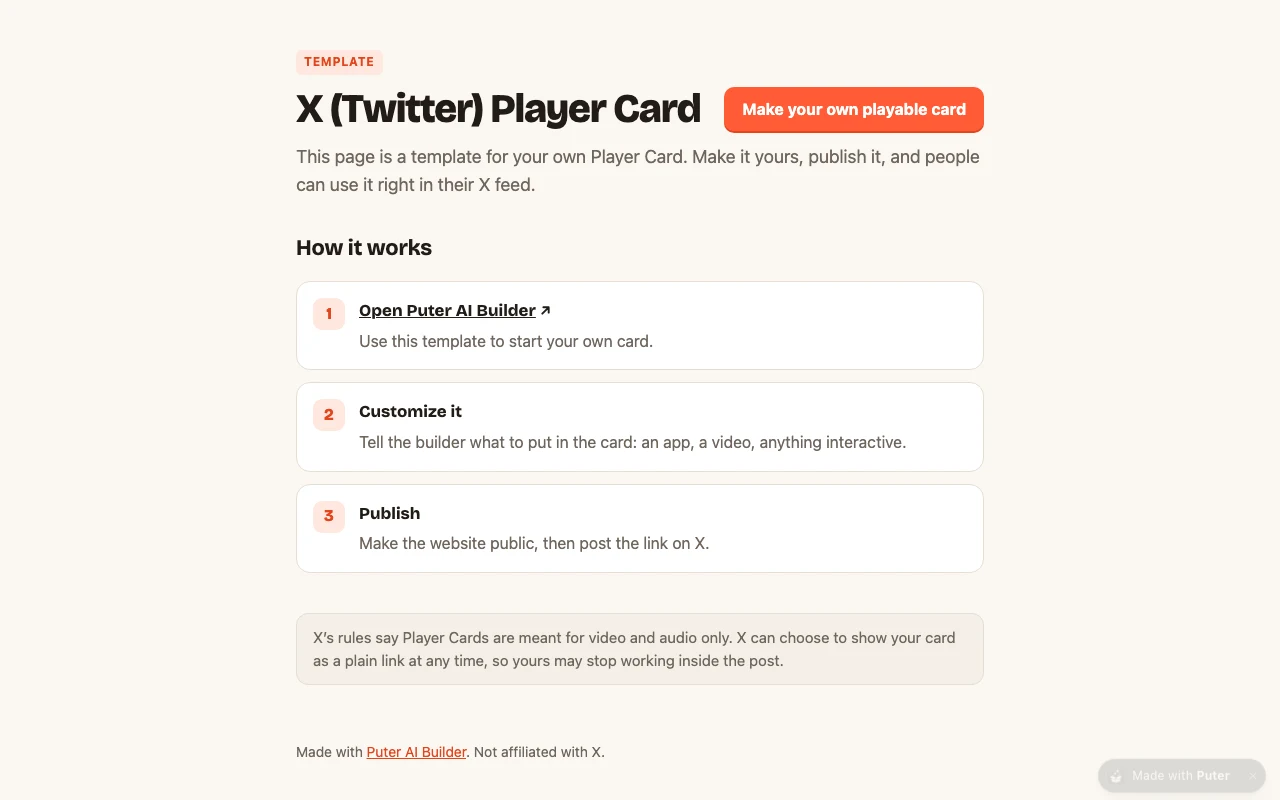
People use your app or watch your video without leaving X.
The card shows the steps to make your own until you put your own content in it.
Publish it from the builder and post the link. No hosting setup.
The tags X needs are written for you. Change the title and image to yours.
Press Use this template and sign in with Puter. A new project with every file of the X Player Card template appears in your account.
Tell the builder what you want in plain language: your content, your colors, a new feature. It edits the code and shows the result in a live preview.
Put it on a public address with one click, or download the files and host them anywhere.
Your copy opens with these suggestions ready to send. Pick one, or describe a change of your own.
Replace this page with a video player that fills the 480 by 480 card box, keeping the card tags in the head. I will upload the video file.
Change the card title, description and the @yourhandle tag to match my project and my X account.
Use the image I upload as preview.png, the picture X shows before someone presses play, and keep it square.
It is a type of link preview on X (formerly Twitter). Instead of a picture and a title, the post shows a box that loads a web page in a frame, so people can play or watch without leaving their feed. X shows it when the linked page has twitter:card set to player and a twitter:player address.
X needs full https:// addresses in the card tags, and your copy does not have its own until you publish it. Publish once, then give the builder your address and it points the card tags at it.
The X phone apps usually show the preview image with a play button rather than the box itself. Check your post in a desktop browser first, where the card plays inline.
X keeps its first copy of a card for each link. Post the link again with something added to the end, like ?v=2, and X reads the page fresh.
X’s rules say Player Cards are for video and audio. A card with an app in it works, but X can turn it into a plain link at any time. Test from a protected account first if you want to see the card before anyone else does.
Yes. Copying a template and building on it is free with a Puter account, and the copy is yours to keep.
No. Your copy is independent from the moment it is made. Updates to the template never touch it, and nothing you change reaches anyone else.
Copy it into your account in a few seconds, then make it yours by describing what you want.
Use this template