
A menu customers order from
Sections for pies, squares, slices, sides and drinks. Tap a size and price to add it to the order. On a computer, hovering a dish shows its photo.
Template
A one-page site for a neighborhood pizza shop. Customers browse the menu, tap a price to add it to their order or build their own pie with toppings on either half, then send the order to your phone for pickup or delivery. It also shows whether you are open right now, a special for every day of the week, your delivery area and your hours. Copy it, then describe your shop and the page changes to fit.
Free with a Puter account. Your copy is yours to change, publish or download.
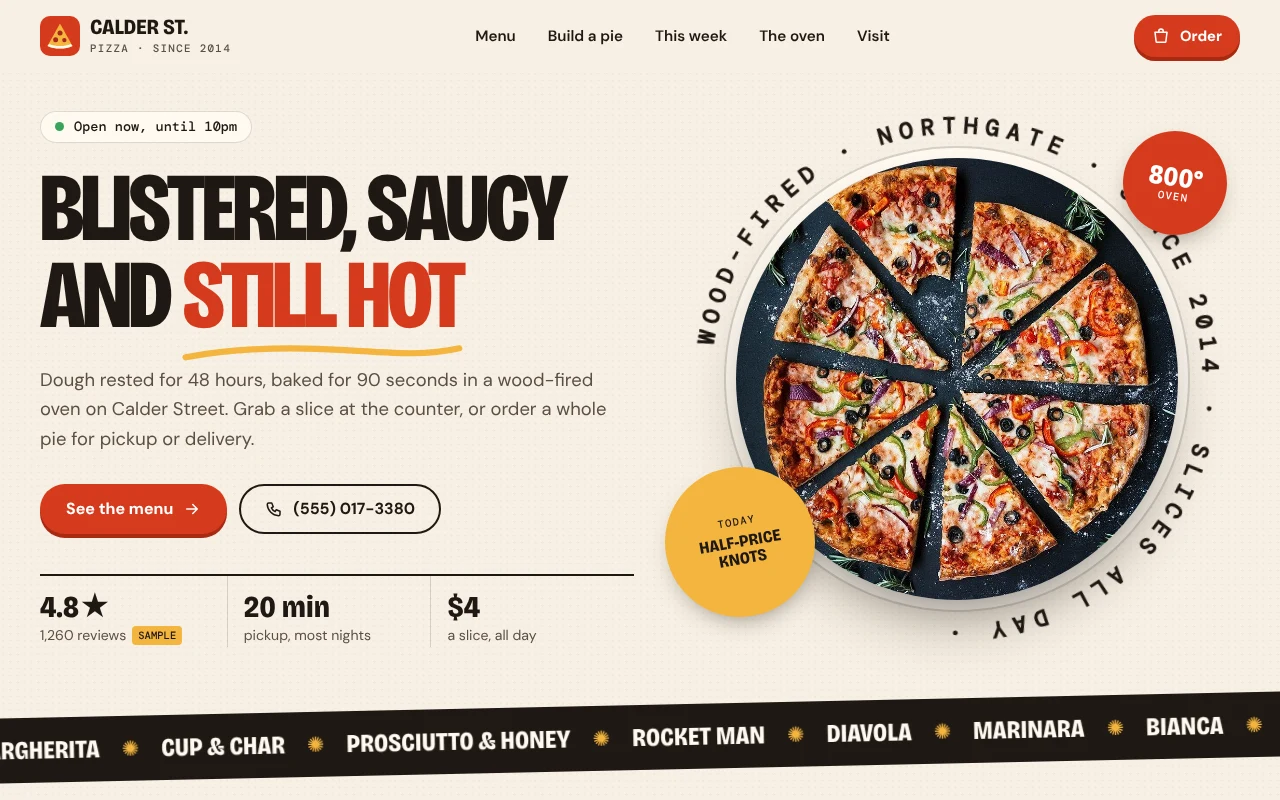
Sections for pies, squares, slices, sides and drinks. Tap a size and price to add it to the order. On a computer, hovering a dish shows its photo.
Pick a size and base, then tap toppings onto the whole pie or one half. The pizza is drawn as you go and the price updates.
The order tray takes pickup or delivery, a time from your opening hours, a name and a phone number, then sends the order to you by text or email.
Customers enter a ZIP code and see whether you deliver there, the fee and the minimum order.
A card for each day of the week with that day's deal and hours, starting from today.
The page shows whether you are open right now in your own time zone, and highlights today in the hours table.
Press Use this template and sign in with Puter. A new project with every file of the Pizza Shop template appears in your account.
Tell the builder what you want in plain language: your content, your colors, a new feature. It edits the code and shows the result in a live preview.
Put it on a public address with one click, or download the files and host them anywhere.
Your copy opens with these suggestions ready to send. Pick one, or describe a change of your own.
Replace the stock photos with photos of my own pies and my oven. I will upload them and tell you which dish each one is.
Save each order instead of sending it by text, and add a private kitchen page where only my staff can see new orders come in and mark them ready.
Show a banner at the top of the page with today's special, and let customers add the special to their order in one tap.
As copied, the order tray opens the customer’s messages app with the full order addressed to your shop’s number, or their email app if they choose email. You reply to confirm. Ask the builder to save orders instead and it adds a private kitchen page where your staff see them come in.
Not as copied. Customers pay in the shop or at the door. Taking card payments needs a payment provider, which you can ask the builder to help you connect.
No. The shop, the menu, the reviews and the rating are placeholders, and the photos are free stock images. Replace them with your own before you publish.
Yes. Copying a template and building on it is free with a Puter account, and the copy is yours to keep.
No. Your copy is independent from the moment it is made. Updates to the template never touch it, and nothing you change reaches anyone else.
Copy it into your account in a few seconds, then make it yours by describing what you want.
Use this template