
Instant roof estimator
Footprint, stories, roof shape, pitch, layers to tear off and material become squares, days on site and a price range with a line by line breakdown.
Template
A roofing contractor website with a roof price estimator, a live drawing of the house, a storm damage check and inspection booking. Copy it and make it yours.
Free to start with a Puter account. Your copy is yours to change, publish or download.
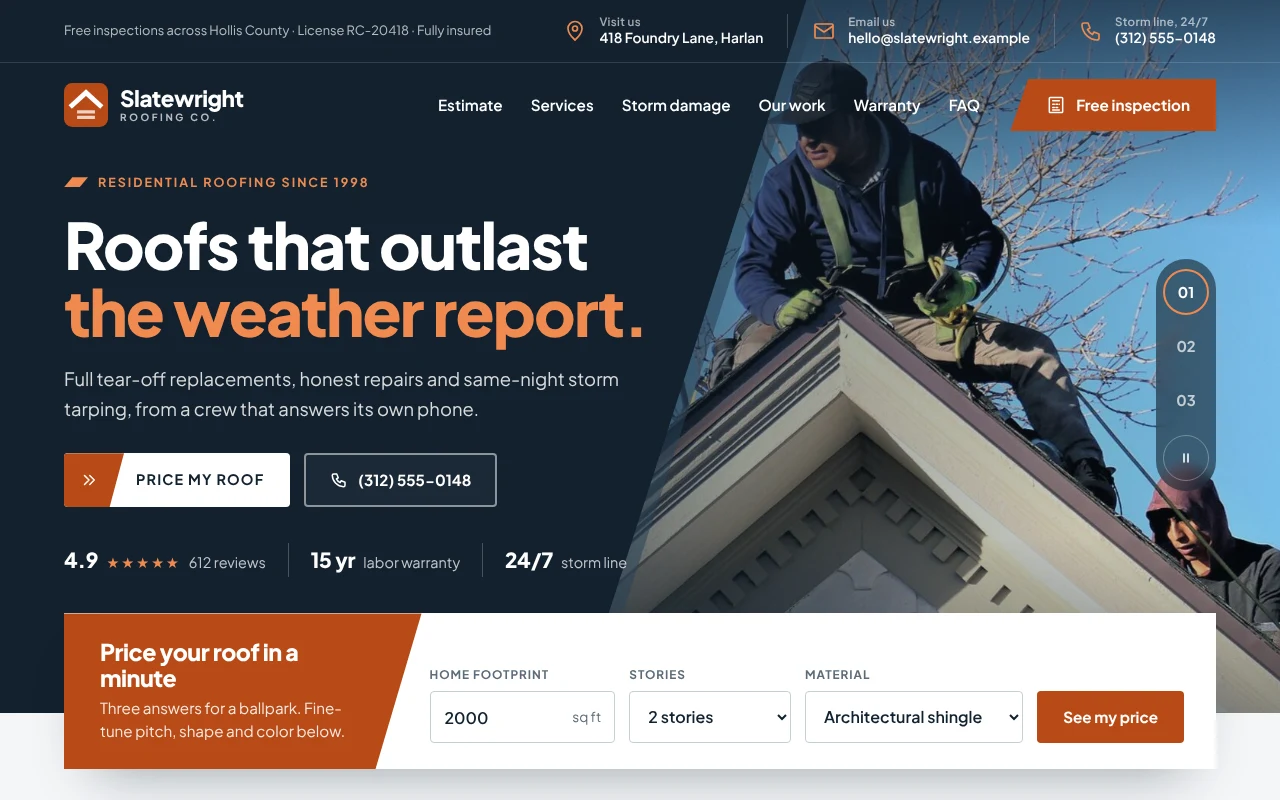
Footprint, stories, roof shape, pitch, layers to tear off and material become squares, days on site and a price range with a line by line breakdown.
A front elevation of the house redraws as visitors change the pitch, shape, stories, material and color, with drafting-style dimensions.
The same roof priced in architectural shingle, impact-rated shingle, standing-seam metal and synthetic slate, one click apart.
Visitors tick what they can see from the ground and get a clear next step: call now for a tarp, book an inspection this week, or keep an eye on it.
Recent projects with material, color and area, a warranty panel, reviews, service towns with inspection lead times, and an FAQ.
A request form that carries the online estimate and storm notes along, sent to a form service or written out in the visitor's email app.
Press Use this template and sign in with Puter. A new project with every file of the Roofing Company template opens in the builder.
Tell the builder what you want in plain language: your content, your colors, a new feature. It edits the code and shows the result in a live preview.
Put it on a public address with one click, or download the files and host them anywhere.
Yes. Prices per square, tear-off, permit fees, pitch and height surcharges, materials and their colors are plain data at the top of app.js. Ask the builder to change them, or edit them yourself.
Until you connect a form service, the form writes each request into the visitor's email app, addressed to you. Give the builder a form endpoint, or ask it to save requests to your Puter account, and they arrive without the email step.
Yes. Every section stacks on small screens, and a call and booking bar stays at the bottom of the screen, where most storm-night visitors will be.
Copying a template is free with a Puter account, and the copy is yours to keep. Changing it with AI uses your account's free allowance, and when that runs out you can upgrade.
No. Your copy is independent from the moment it is made. Updates to the template never touch it, and nothing you change reaches anyone else.
It opens in the builder in a few seconds. Then make it yours by describing what you want.
Use this template