
What matters after the first draft
These tools use AI in different ways. Some start with a written prompt and generate a site. Others guide you through business details, pages, and style choices before opening a visual editor. The better fit depends on how much design control you want, whether you need commerce or bookings, and how you expect to maintain the site.
Try the same small site in your top two choices: a home page, an about page, a contact form, and one change to the mobile layout. Check what the published URL looks like, how you connect a domain, how forms are handled, and whether you can take your content or files with you. The screenshots below show each builder's public site, captured in September 2026. Interfaces may change.
Puter AI Builder
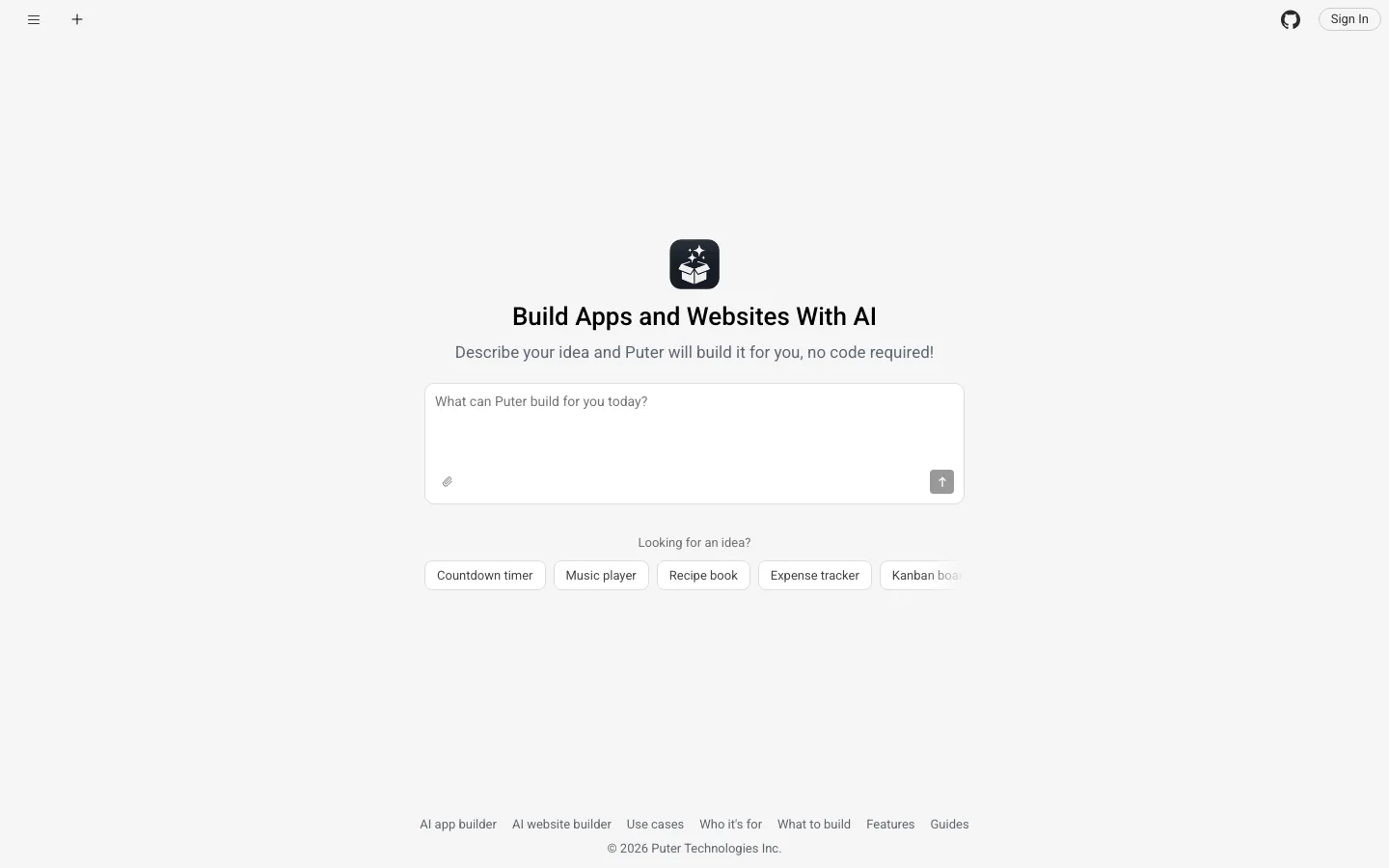
Best for A custom website you can describe, edit directly in a live preview, and publish with hosting included.
Describe the site and Puter AI Builder creates its pages, layout, and copy in a live browser preview. You can keep refining it through chat or click an element and say exactly what should change. Earlier versions remain available if an edit goes in the wrong direction. Publishing gives the site a public address with hosting included.
Puter can also give a site working forms, sign-in, storage, and AI features through its built-in backend. You can download the project as ordinary web files, keep editing them in a code editor, or host them elsewhere. See the website builder overview for details.
Wix
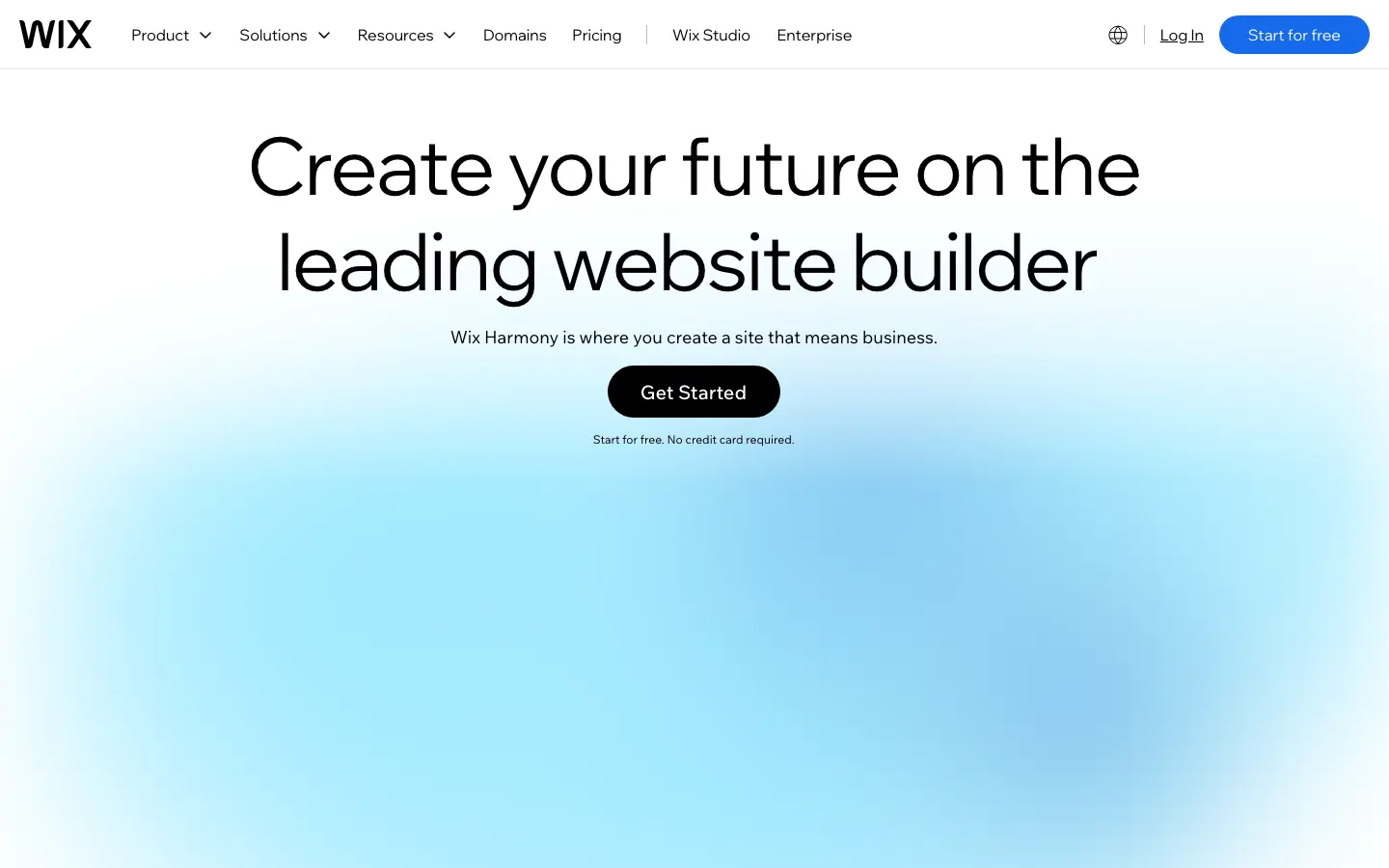
Best for A general-purpose business site with AI setup and a large set of built-in business tools.
Wix combines AI-assisted site creation with its visual website editor, hosting, and business features. Its current AI website builder lets you describe a site, then refine its design and content in the editor. The wider Wix platform adds options for stores, scheduling, marketing, and other common business needs.
That makes Wix a practical default for a small business that wants its website and day-to-day tools in one place. Before settling on it, build a real page in the editor and check which features and plan you need for the business workflow you have in mind.
Hostinger
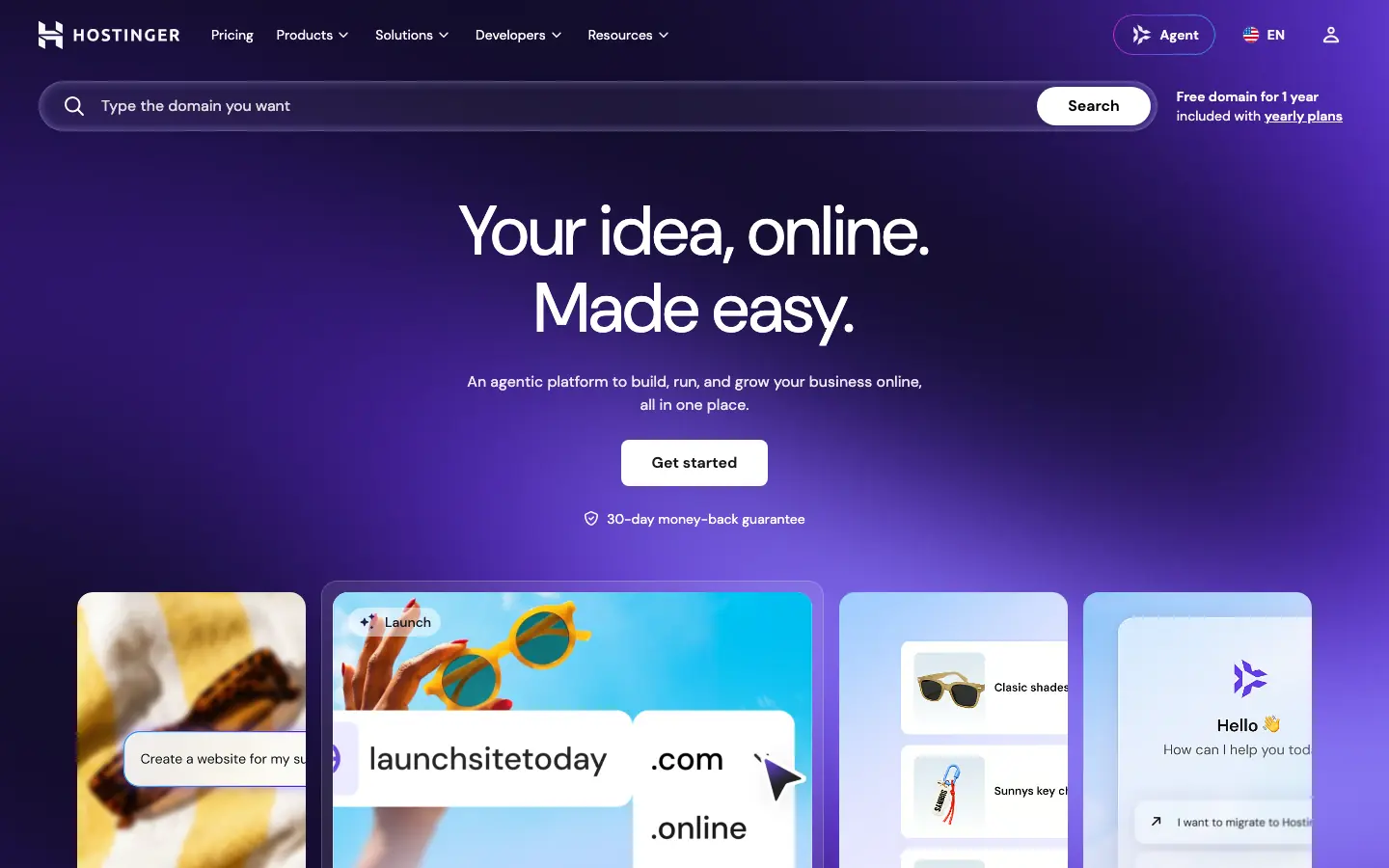
Best for Getting a business website, hosting, and domain services from one provider.
Hostinger places its AI website builder alongside hosting and domain services. You can generate a starting site with AI and continue editing its pages and design. Hostinger now describes both manual and agentic ways to use its AI Builder, so you can choose how much of the setup to hand to the assistant.
It is worth a look if you want the builder and the hosting relationship in one account. Compare the actual renewal terms, domain setup, and editing experience for the site you need. Those details matter more than how quickly the first draft appears.
Squarespace
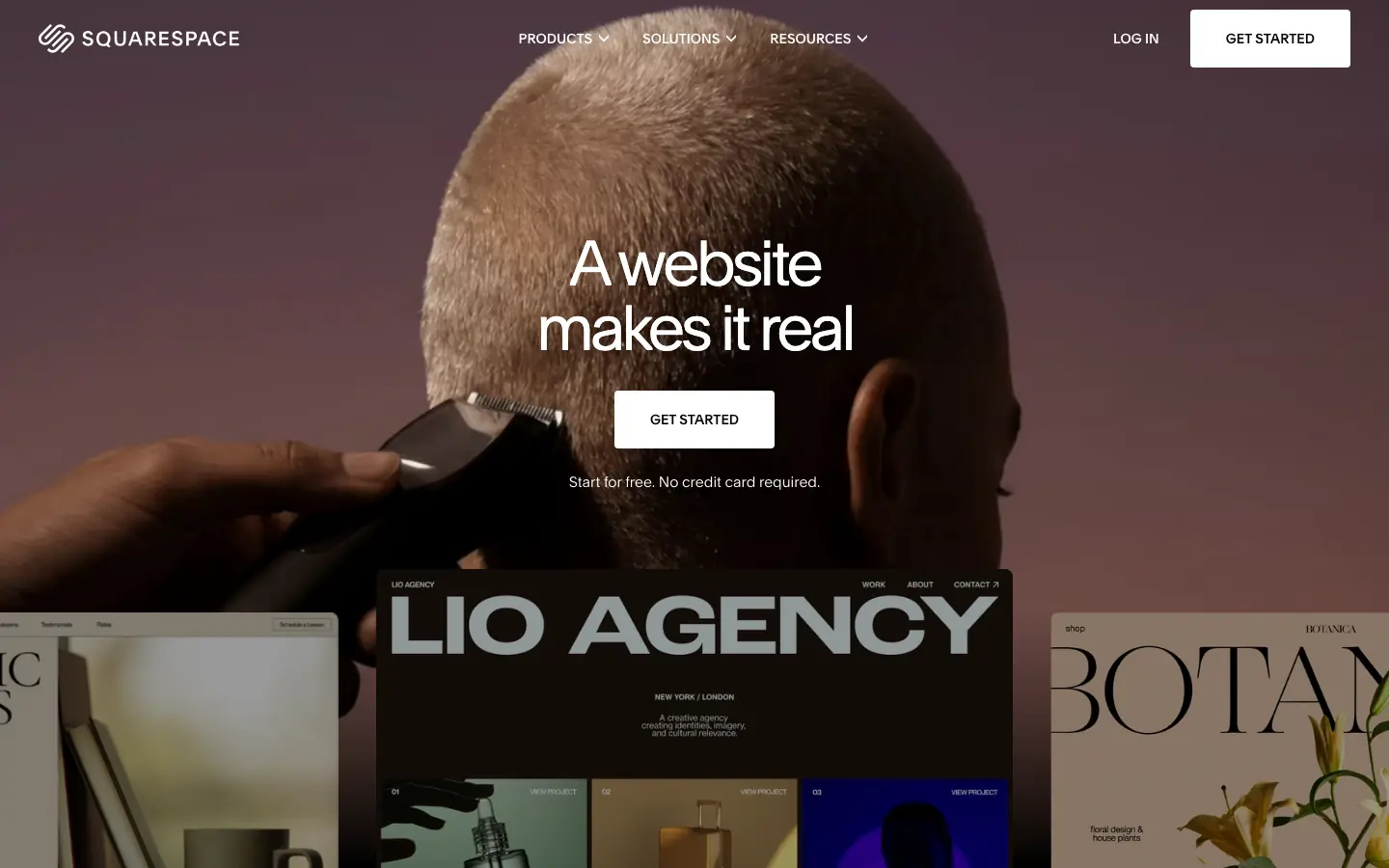
Best for A polished portfolio, service site, or small store built through guided design choices.
Squarespace uses Blueprint AI to help assemble a website from your goals, content, and design preferences. You then work in Squarespace's visual editor, with its established tools for pages, commerce, appointments, and marketing available as the site grows.
Choose it when the visual finish and ongoing editorial workflow matter as much as the initial generation. The guided approach gives you a structured way to make design decisions. Try adding the exact page types and integrations your project needs before committing.
GoDaddy Airo AI Builder
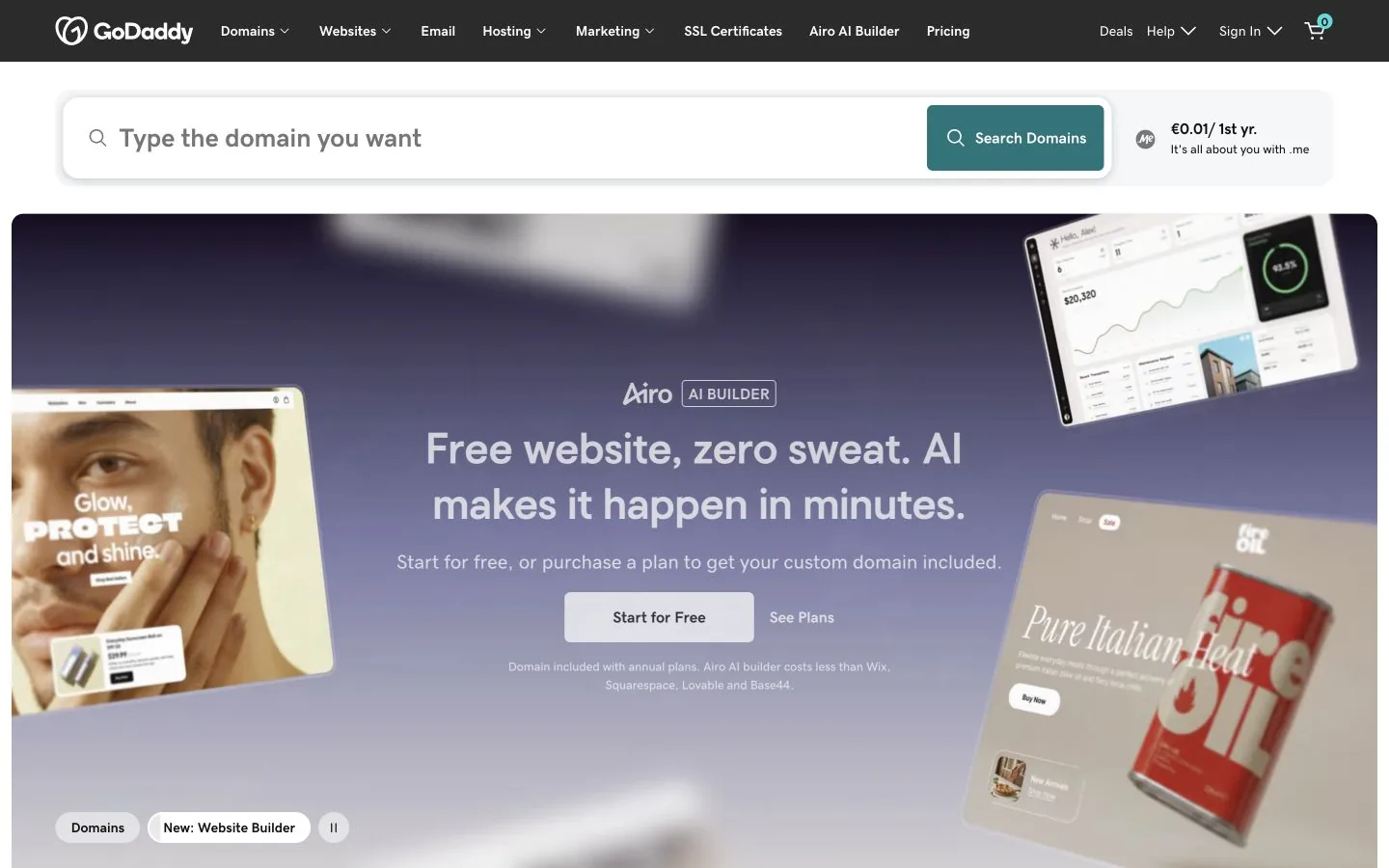
Best for A straightforward small-business site alongside domain and online presence tools.
GoDaddy's current website builder includes Airo AI Builder for creating a business site. It sits within a broader service for domains, hosting, and business presence, which can be convenient if those are already in your GoDaddy account.
Use it for a conventional business site where the practical work is getting online and keeping details current. Check the editing flow and the exact features available in your plan. GoDaddy retired an older product called “AI Website Builder” in July 2026, so current comparisons should assess Airo rather than the retired tool.
10Web
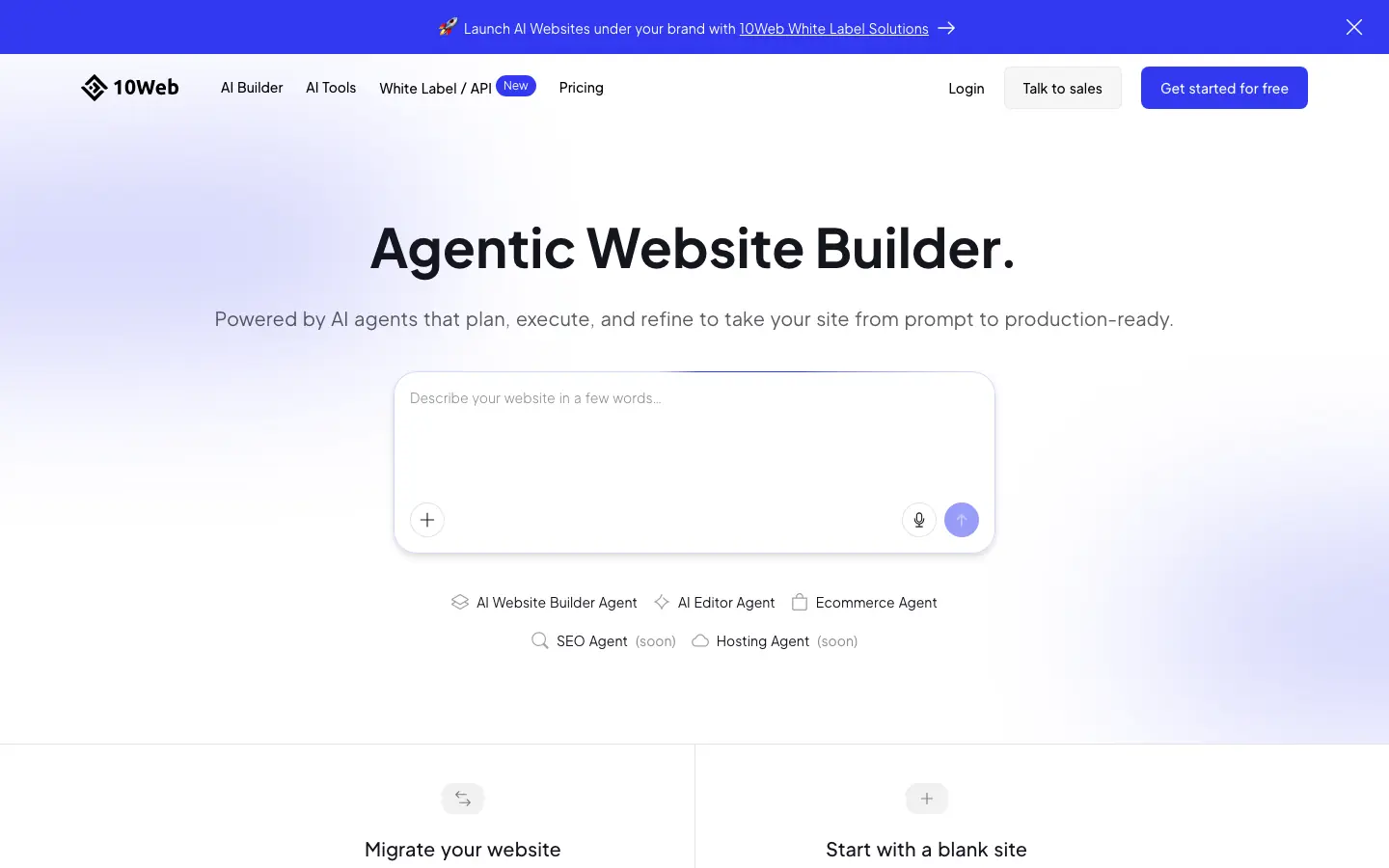
Best for A WordPress website that starts with AI and remains editable in the WordPress ecosystem.
10Web focuses on AI-built WordPress sites. It can generate a site and let you continue editing through WordPress and Elementor, with WooCommerce available for store projects. That puts the generated result in a familiar content management system rather than a standalone builder format.
It fits teams that want AI to speed up the first version while keeping WordPress as the site's home. Consider the usual WordPress decisions too: plugins, maintenance, hosting, and who will own updates once the site is live.
Durable
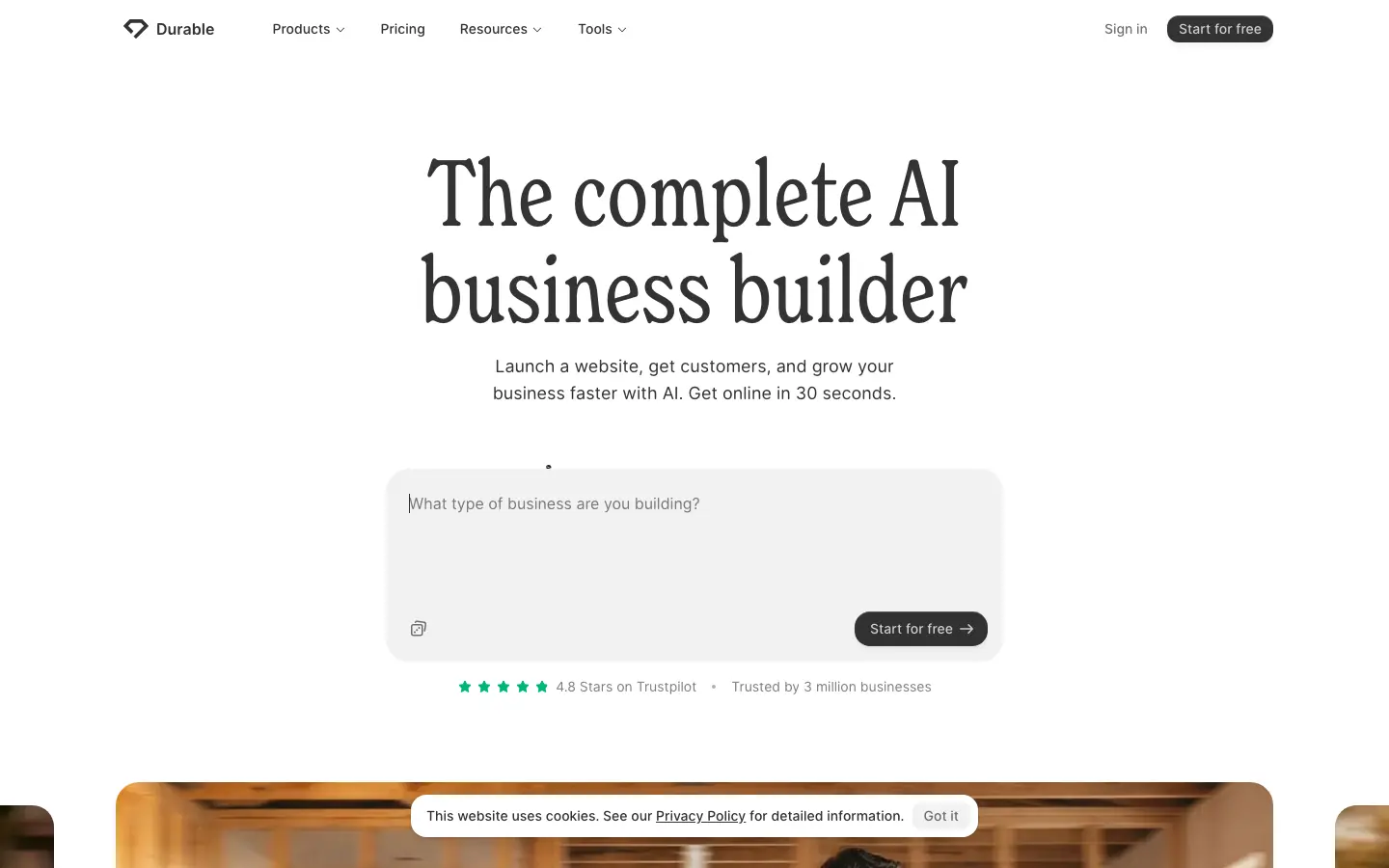
Best for A fast small-business site paired with customer and operations tools.
Durable's AI website builder aims at small businesses that need to get online quickly. Beyond the generated site, the platform presents tools for customer management, bookings, and marketing, so the website can be one part of a broader business workflow.
It is useful when the next task after publishing is following up with leads or managing client work. Build a sample service page and try the business tools you actually need, since that combination is the main reason to choose Durable.
Framer
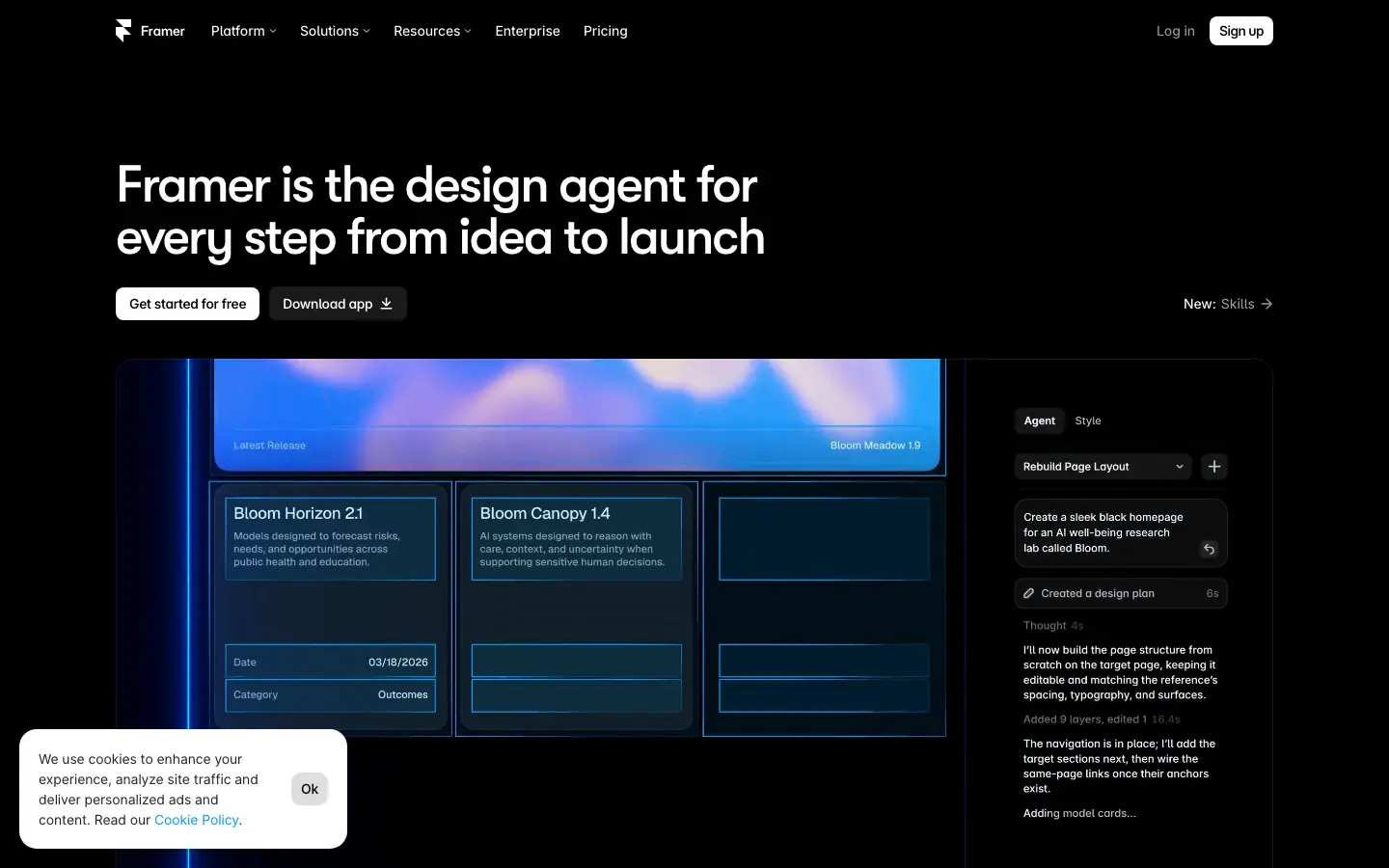
Best for A design-led marketing site you want to refine in a visual canvas after an AI start.
Framer can turn a prompt into an editable website layout, then gives you its visual canvas to refine the design. Its AI website builder overview also covers publishing, CMS content, and SEO tools. The AI first draft is a starting point for detailed design work.
Choose Framer when presentation and layout control are the priorities, especially for a portfolio or marketing site. Spend time in the canvas before choosing it: that editor is where you will make the site truly yours after generation.
Jimdo
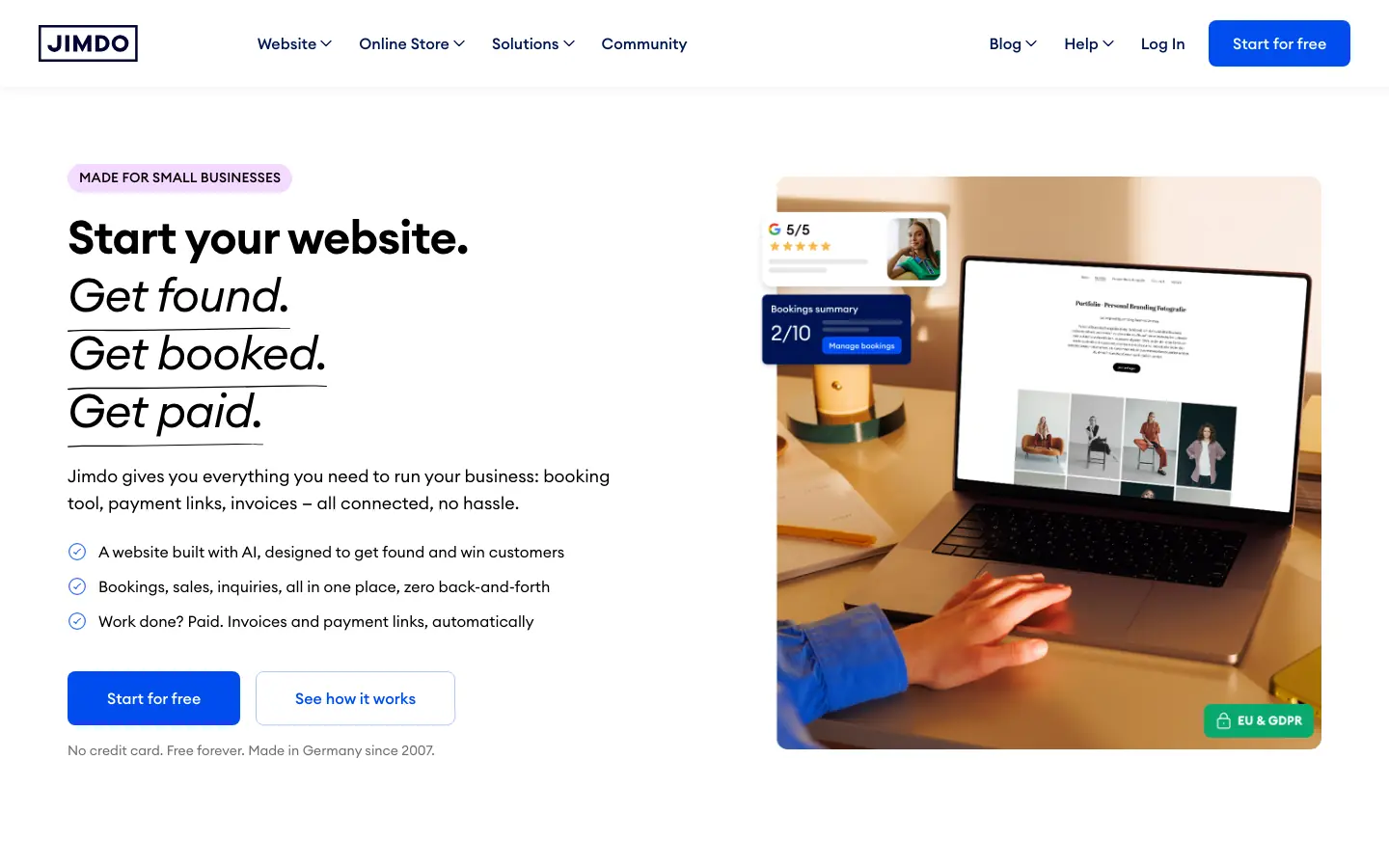
Best for A simple local-business website with guided AI assistance and practical business features.
Jimdo helps small businesses create a site through AI assistance and guided setup. Its public site presents website creation alongside tools for local visibility and business administration, with a workflow designed for people who want to get a working presence online without becoming web designers.
It is a sensible option for a compact business site. Try the editing experience with your own text and images, and check whether the page structure and integrations you need are available before moving an existing site over.
Webflow
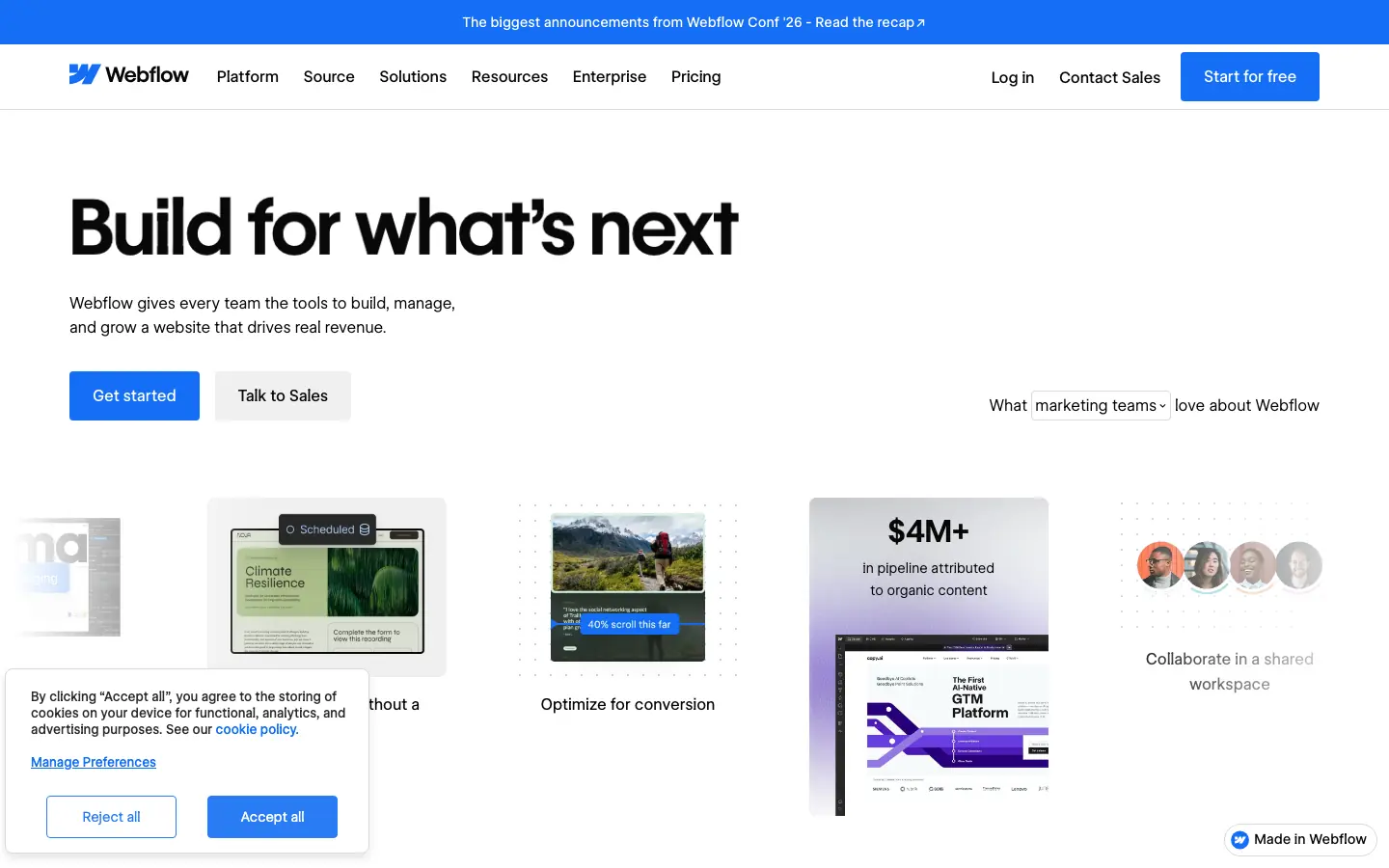
Best for A multi-page marketing site with AI generation and deep visual design control.
Webflow's AI Site Builder can start a multi-page site from a description and set up a design system to work from. You then have Webflow's visual design tools, CMS, and publishing workflow for continued work on the site.
It makes sense when the site will have many designed pages or content that a team needs to maintain. The editing controls have depth, so allow time to learn the platform and confirm that your team is comfortable making routine changes there.
How to choose one
If you want a custom site from a description, quick publication, and ordinary files you can take elsewhere, try Puter. For an all-in-one small-business setup, compare Wix, Hostinger, GoDaddy, Durable, and Jimdo against the specific tools you will use each week. Squarespace gives you a guided route to a carefully styled site. Choose 10Web when WordPress is part of the plan. Try Framer or Webflow when detailed visual design and an ongoing content workflow are central.
Build a small real site in your two favorites. Change a page after publishing, submit a test contact form, check the mobile view, and inspect the domain and export options. The tool you can maintain a month later is usually the better choice.
How we compared these builders
We compared popular AI website builders and checked each product's current offering on its own site. We focused on how a site gets created, what you can change afterward, and the tools available for publishing and maintaining it.
Puter makes Puter AI Builder and publishes this guide. For more about the product, see the Puter AI website builder and Puter.js documentation.