
Featured properties
A carousel of your listings with price, status, beds, baths and square feet, filtered by for sale, under offer and sold. Each one has an enquiry button.
Template
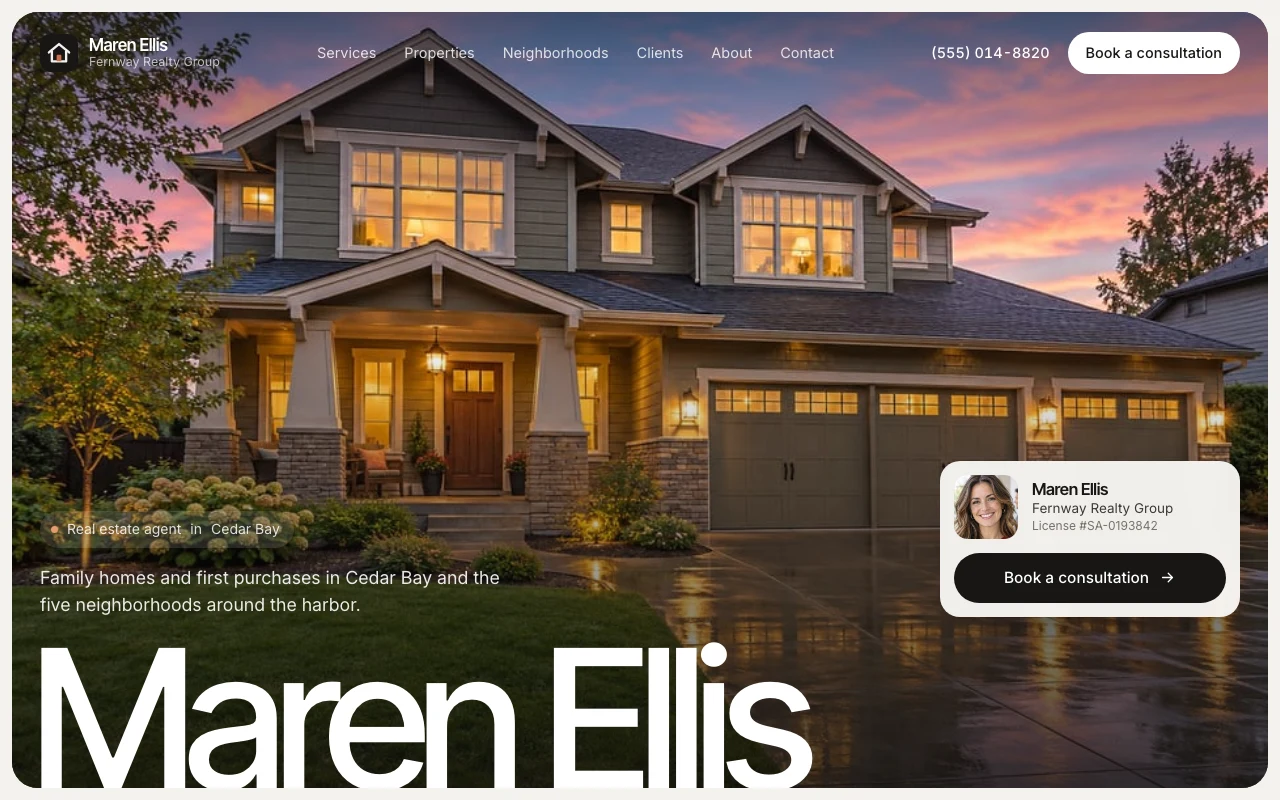
Real estate agents get a site for featured listings, neighborhood guides, recent sales and client reviews, with a button to book a consultation.
Free to start with a Puter account. Your copy is yours to change, publish or download.
A carousel of your listings with price, status, beds, baths and square feet, filtered by for sale, under offer and sold. Each one has an enquiry button.
Each area you serve gets a median price, typical home, time to sell, commute and the advice you give buyers there.
The button sits in the menu, the hero, the footer and a bar on phones. Point it at your Calendly or other booking page, or let it open the form.
Testimonials and a table of recent sales showing the neighborhood, the price, whether you represented the buyer or the seller, and days on market.
New agent with no listings or reviews yet? Switch a section off and its menu link goes with it.
Visitors say whether they want to buy, sell or relocate, pick a listing and their timeline, and the form opens an email to you with it all filled in.
Press Use this template and sign in with Puter. A new project with every file of the Modern Real Estate Agent Website template opens in the builder.
Tell the builder what you want in plain language: your content, your colors, a new feature. It edits the code and shows the result in a live preview.
Put it on a public address with one click, or download the files and host them anywhere.
No. The agent, the listings, the neighborhoods, the reviews and the sales figures are placeholders, and the photos are AI-generated. The page labels them as samples until you replace them with your own.
Yes. Give the builder your Calendly, Cal.com or other booking link and every Book a consultation button opens it. Without a link, the buttons open the enquiry form with a consultation picked.
Not as copied. Listings are a short list you edit, each with an optional link to the full listing on your brokerage or MLS site. Ask the builder to add or update a listing and it changes the list.
Yes. Copying it is free with a Puter account, and the copy is yours to keep. Changing it with AI uses your account's free allowance, and when that runs out you can upgrade.
No. Your copy is independent from the moment it is made. Updates to the template never touch it, and nothing you change reaches anyone else.
Use this template
It opens in the builder in a few seconds. Then make it yours by describing what you want.
Use this template